Comprehensive Communication Tool in e-KHOOL LMS
The communication tools in e-KHOOL LMS connect learners, trainers, and admins through instant and interactive channels for smooth collaboration and engagement.
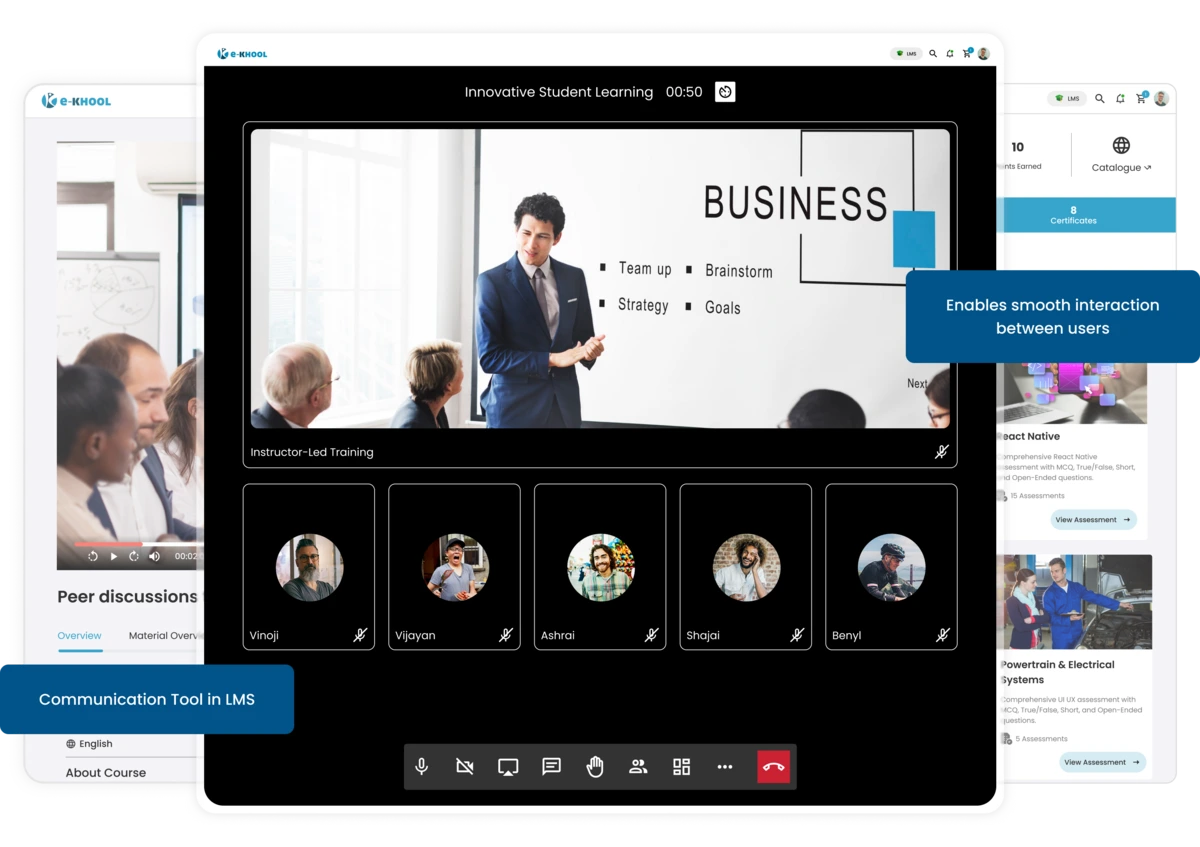
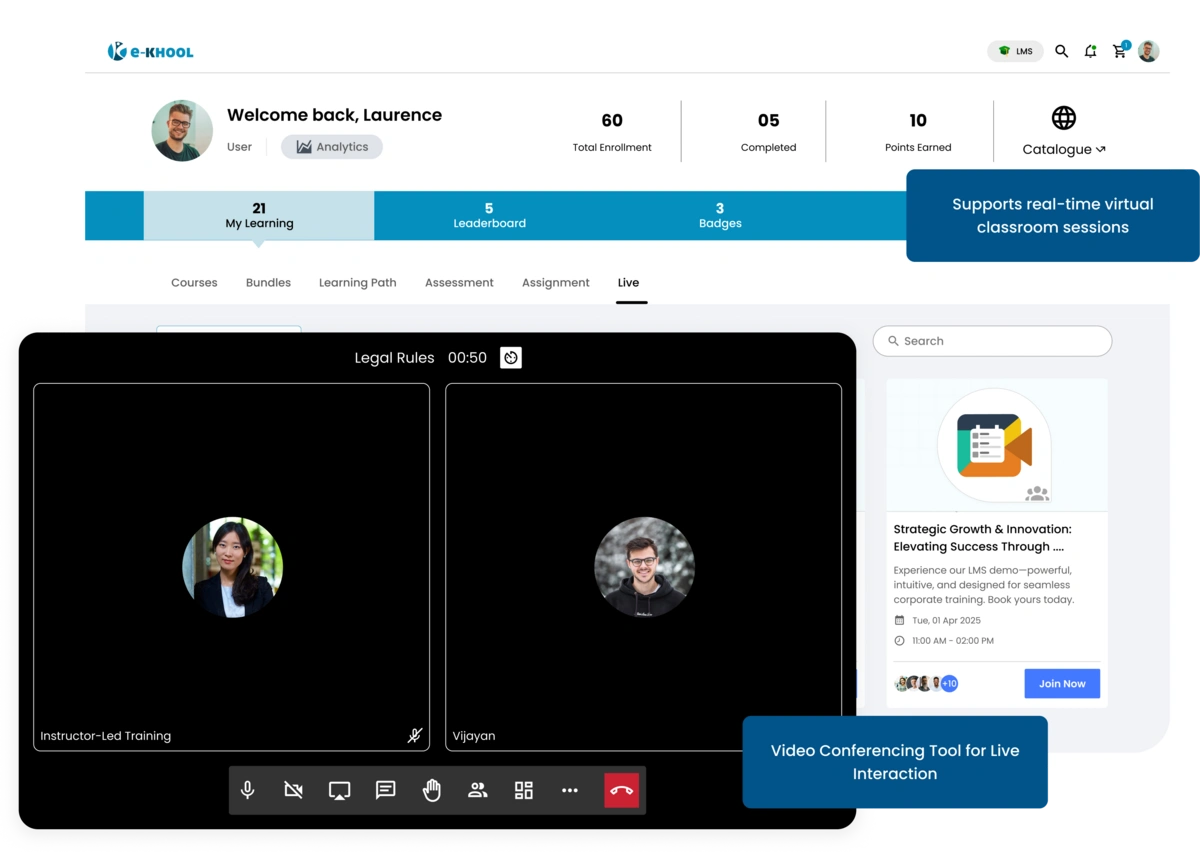
Video Conferencing Tool for Real-Time Interaction
e-KHOOL’s integrated video conferencing enhances communication between learners and trainers through live, high-quality virtual classrooms and collaborative online sessions.
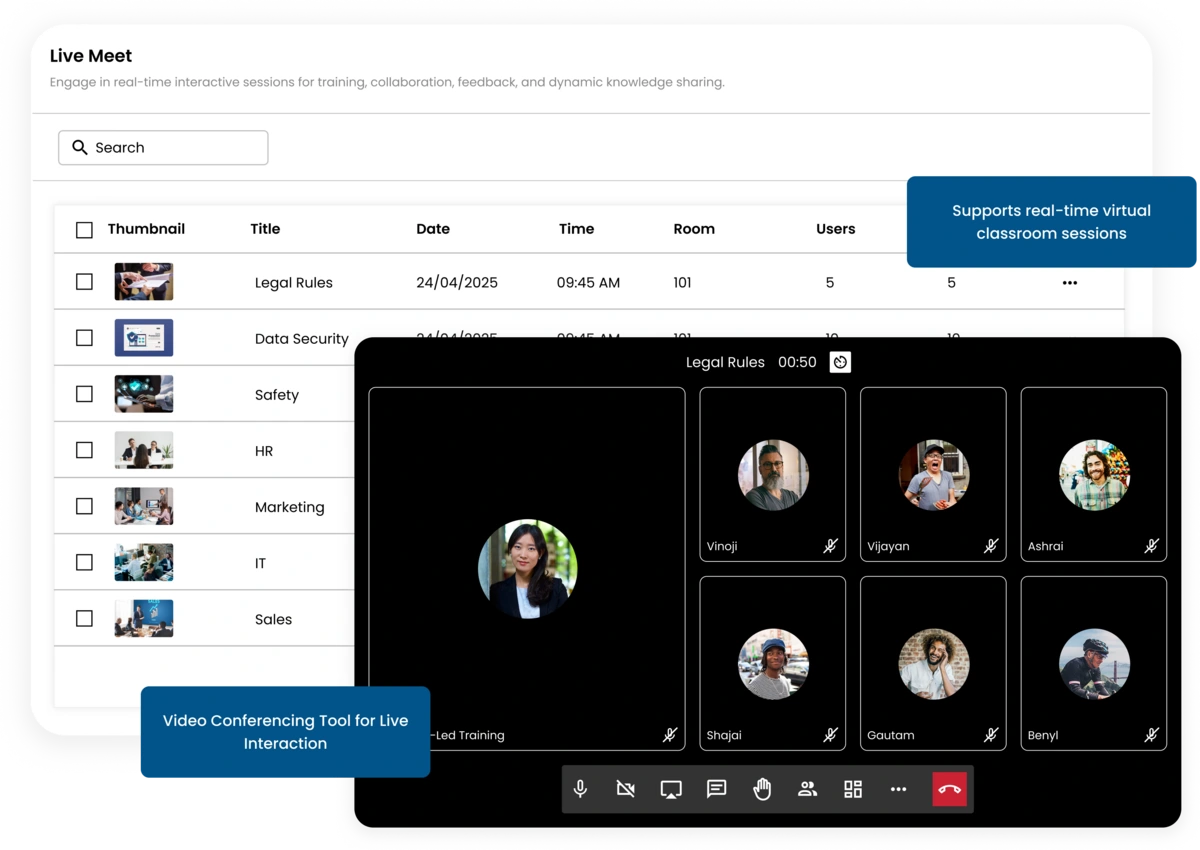
Interactive Live Classes
Facilitate real-time teaching with video, audio, and screen sharing to promote active engagement and interactive learning experiences.
Two-Way Communication
Allow instant discussions between trainers and learners during sessions, ensuring continuous and effective communication.
Session Recording Feature
Record live meetings automatically for later playback, improving learning continuity and accessibility.
Instant Messaging for Direct Communication
The instant messaging feature in e-KHOOL LMS enables real-time one-to-one communication among learners, trainers, and administrators for faster collaboration.
Chat Integration Across Portals
Messaging is available in admin, learner, and trainer portals for seamless cross-role interaction.
Secure Messaging Environment
All chats are encrypted, ensuring secure and compliant internal communication.
Status and Notifications
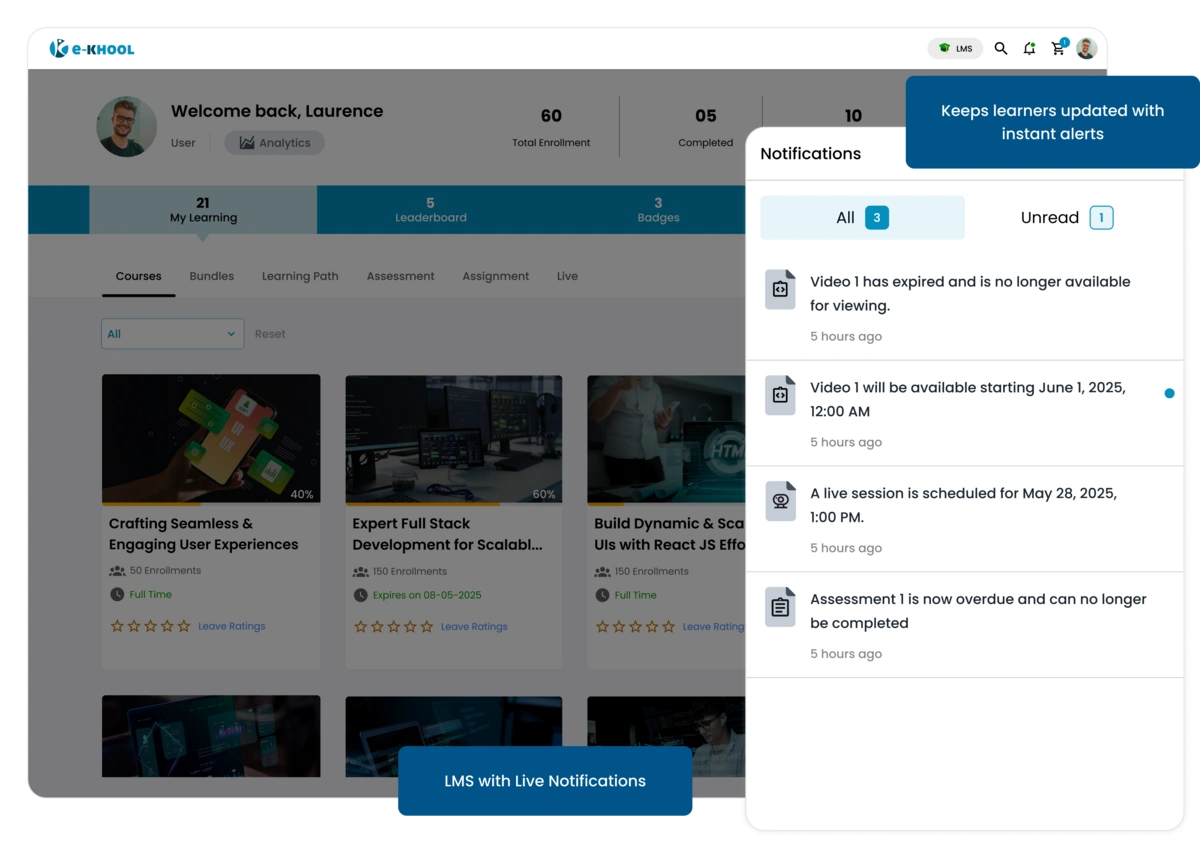
Users receive instant message notifications and presence indicators for efficient, always-connected communication.
Group Chat for Team Learning
The group chat feature in e-KHOOL LMS allows learners and trainers to collaborate within defined course or project groups.
Course-Specific Chatrooms
Each course has a dedicated chatroom for discussion, file sharing, and question resolution.
Trainer-Led Groups
Instructors can create moderated groups for guided discussions and focused learning activities.
File and Media Sharing
Learners can share notes, images, and attachments within group chats for effective peer learning.
Community Space for Engagement
A virtual social hub where learners connect, share knowledge, and engage beyond classroom learning.
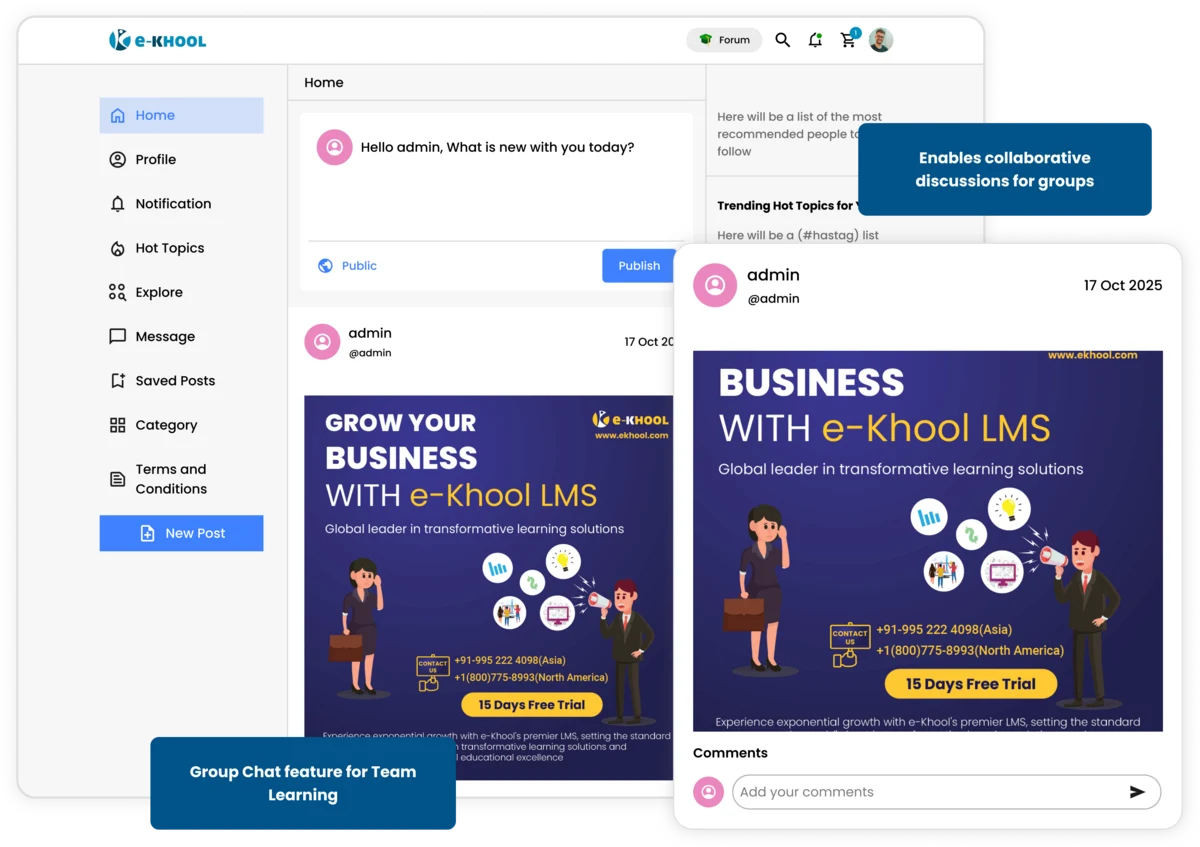
Public and Private Communities
Admins can create open or restricted communities based on institution, department, or course category.
Post and Comment System
Learners can publish posts, comment, and react to build interactive learning communities.
Announcements Hub
Admins and trainers can post important updates and notices visible to all learners.
Built-in Mailing Tool
Send internal emails, announcements, and notifications directly from the LMS to maintain organized communication across users.
Bulk Messaging
Admins can send notifications to multiple users instantly, while supporting personalized learning by targeting messages based on learner progress.
Attachment and File Support
Attach documents, reports, or resources securely within internal emails.
Email Tracking
Track sent and received mails for better communication management and accountability.