Discover Courses Catalog in Course Listing Website
The Course Catalog provides a central hub where learners can explore all courses and bundles assigned by the organizations.
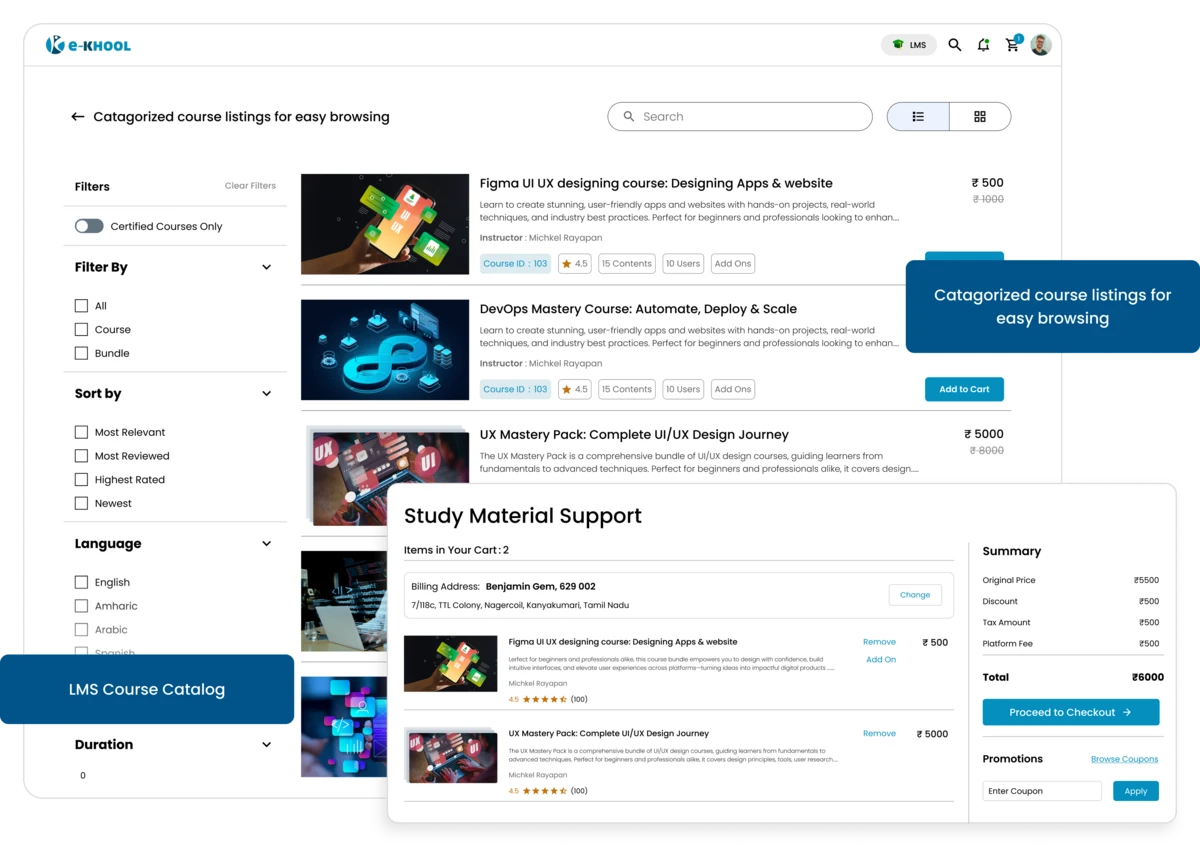
Organized Course and Preview Features
Enhance the learner experience with categories, bundles with detailed information including duration, tags, and language with highlight previews for learners.
Category Feature for Wise Browsing
Courses are grouped in custom categories, making it simple for learners to find topics that match their interests within a structured course management environment.
Course and Bundle Listings for easy view
Both individual courses and bundled content are displayed, helping learners see structured learning paths and select what fits their needs.
Course Information for Easy Enrolment
Every course includes essential details like duration, tags, language, and description, allowing learners to understand what’s offered before enrolling.
Course Preview for Quick Insights
Learners can preview key course highlights or syllabus details to make informed decisions, saving time.
Powerful Filters and Sorting Options
Finding the right course becomes quick and intuitive with multiple filtering and sorting options built into the learning management system.
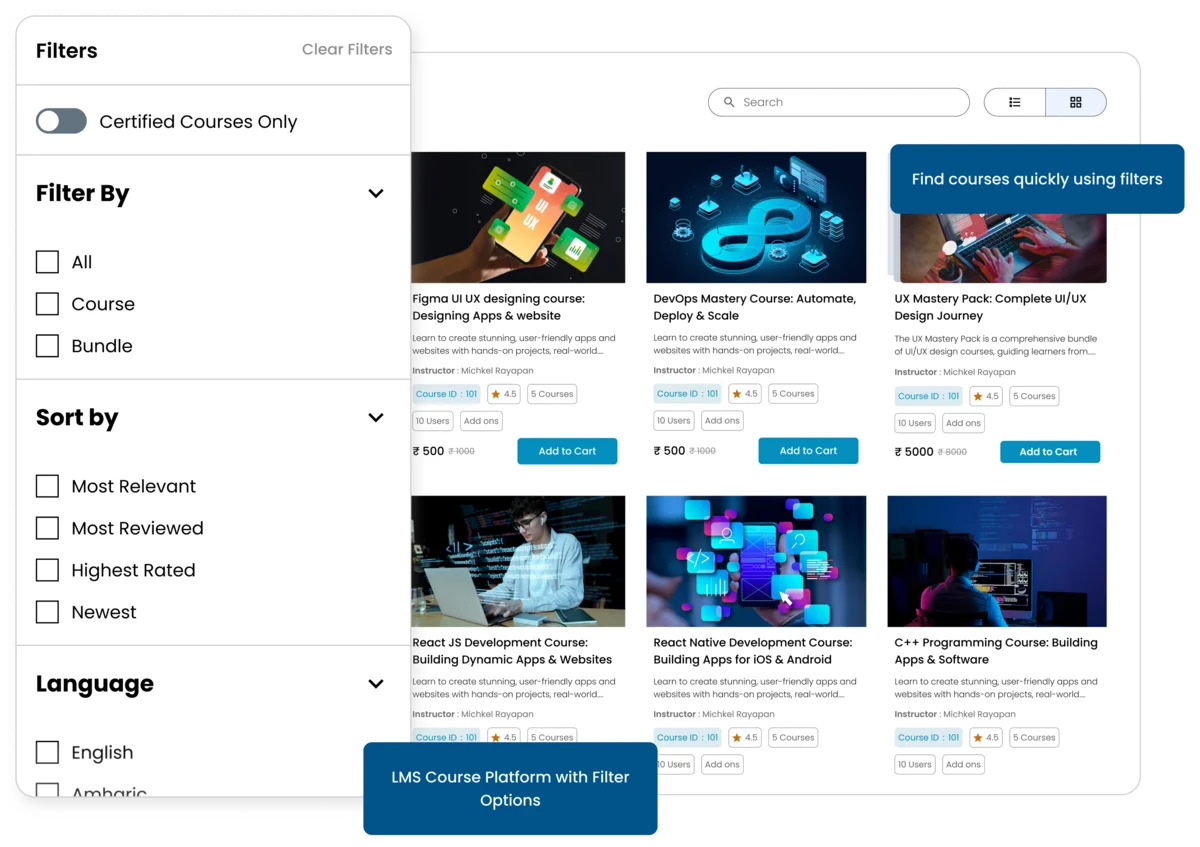
Course Type Filter
Choose between single courses or bundles to focus on individual learning units or comprehensive training paths.
Alphabet or Duration Sorting
Organize courses A-Z, Z-A, or by course duration to quickly locate content that fits schedules or preferences.
Tags and Language Filter
Apply course tags or preferred language filters to fetch the right course that’s most relevant and accessible inside the LMS platform.
Advanced Search Features
The search bar allows learners to enter keywords or topics, instantly fetching up matching courses across the catalog.
Easy Access and Personalized Learning
Learners can browse, enroll, and track courses with ease, creating a smooth, organized personalized learning experience.
Learner Enrol Features
Courses or bundles can be added to a learner’s dashboard instantly without any delays and simplifying the start of learning.
Dashboard Features
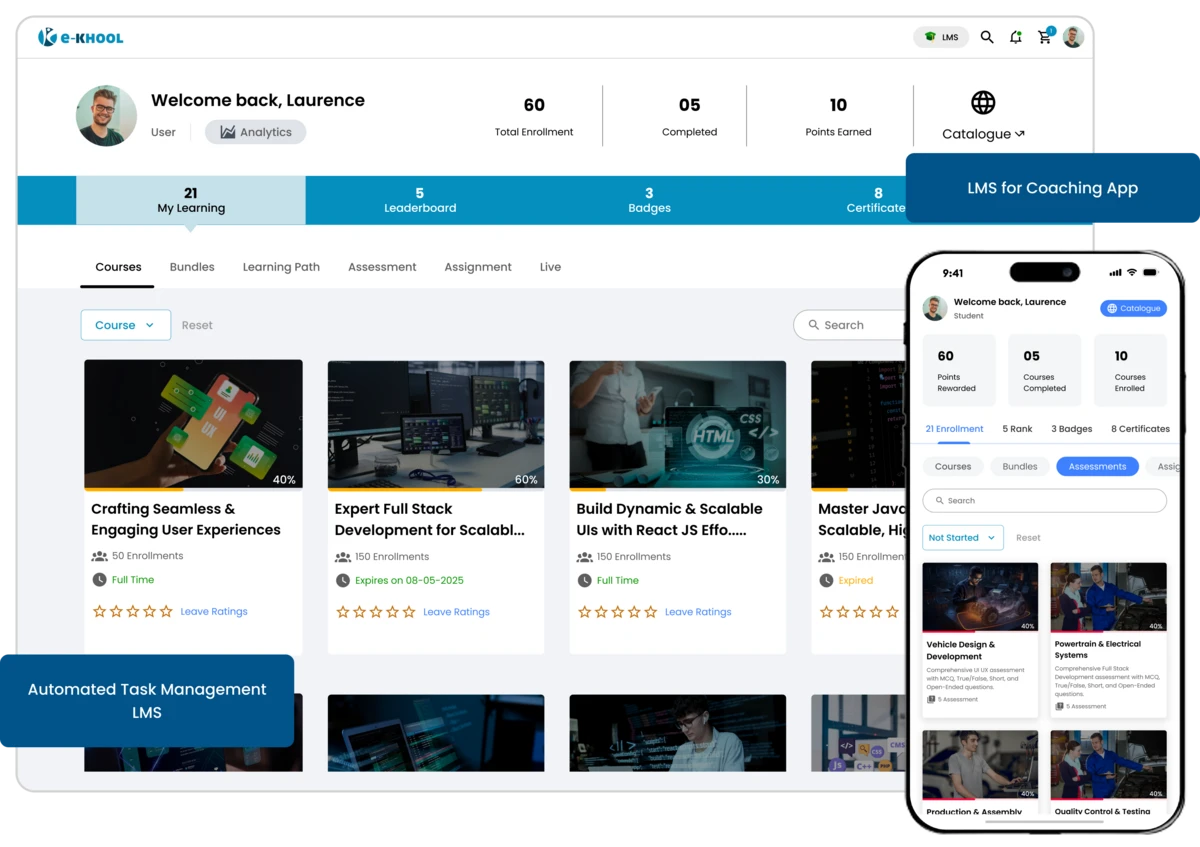
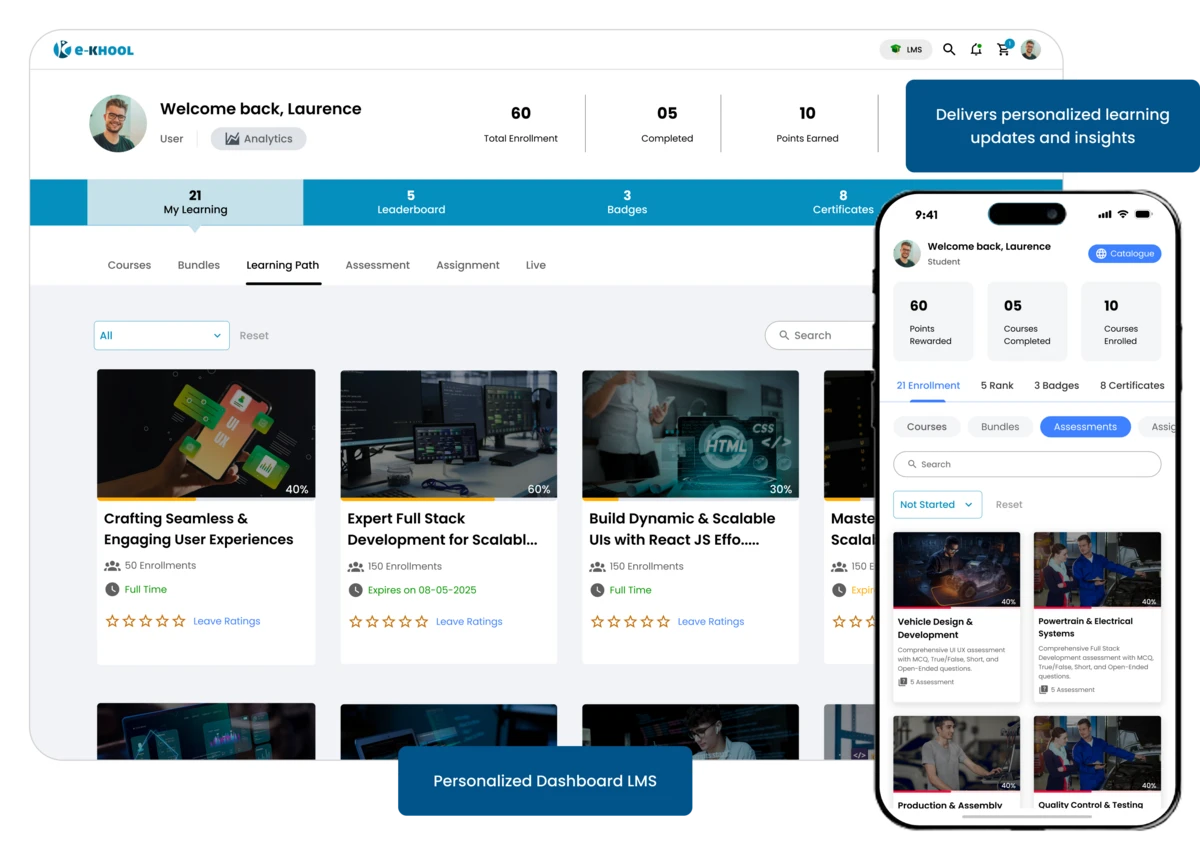
Learners can monitor enrolled courses, view completion status, and plan next steps efficiently from their dashboard.
Navigation Panel Features
The navigation panel provides filters, tags, and sorting options at a glance, ensuring learners find the right course quickly.
Personalized Recommendations
Based on enrolled courses and activity, the platform suggests related content to help learners explore more relevant courses.