Learning Smarter and Engaging through Interactive Videos
Transform video lessons into active learning experiences by adding assessments, chapters, and events within the videos for interactive learner engagement.
Interactive Video Tools with Quizzes
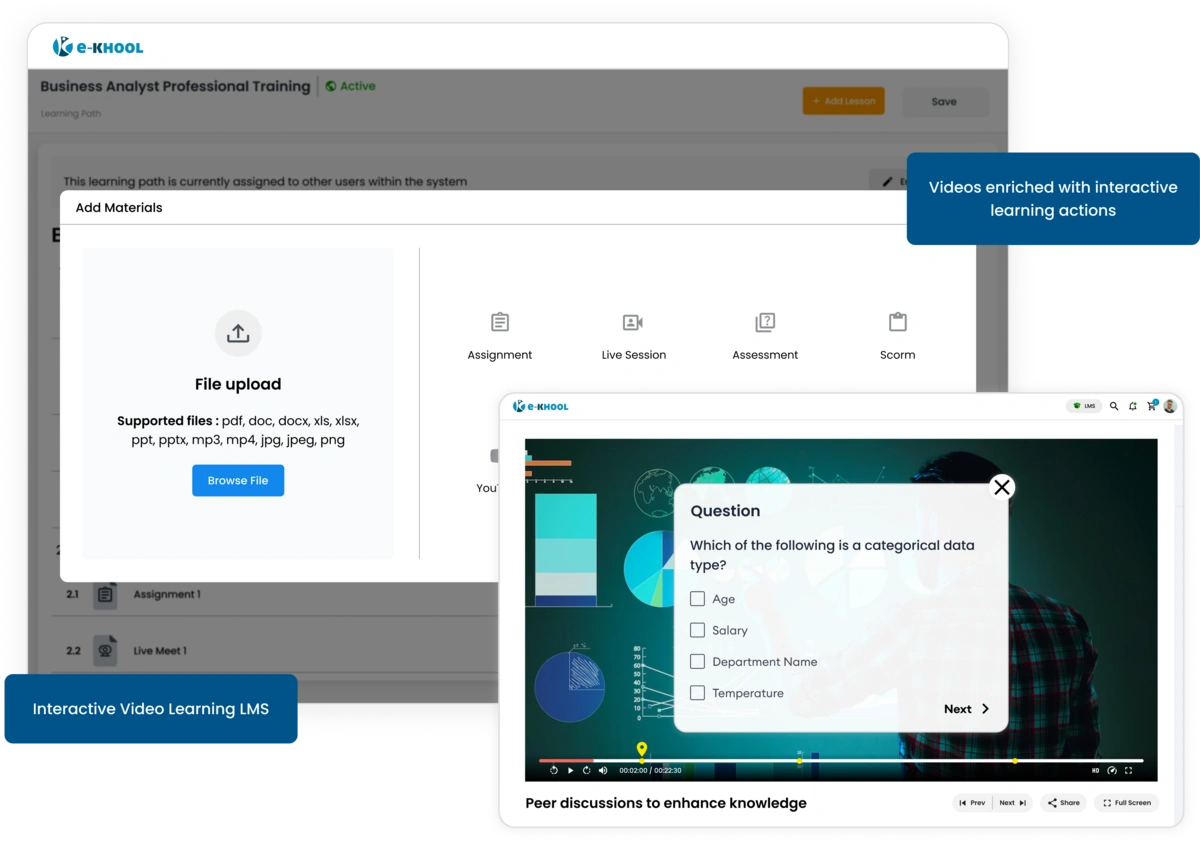
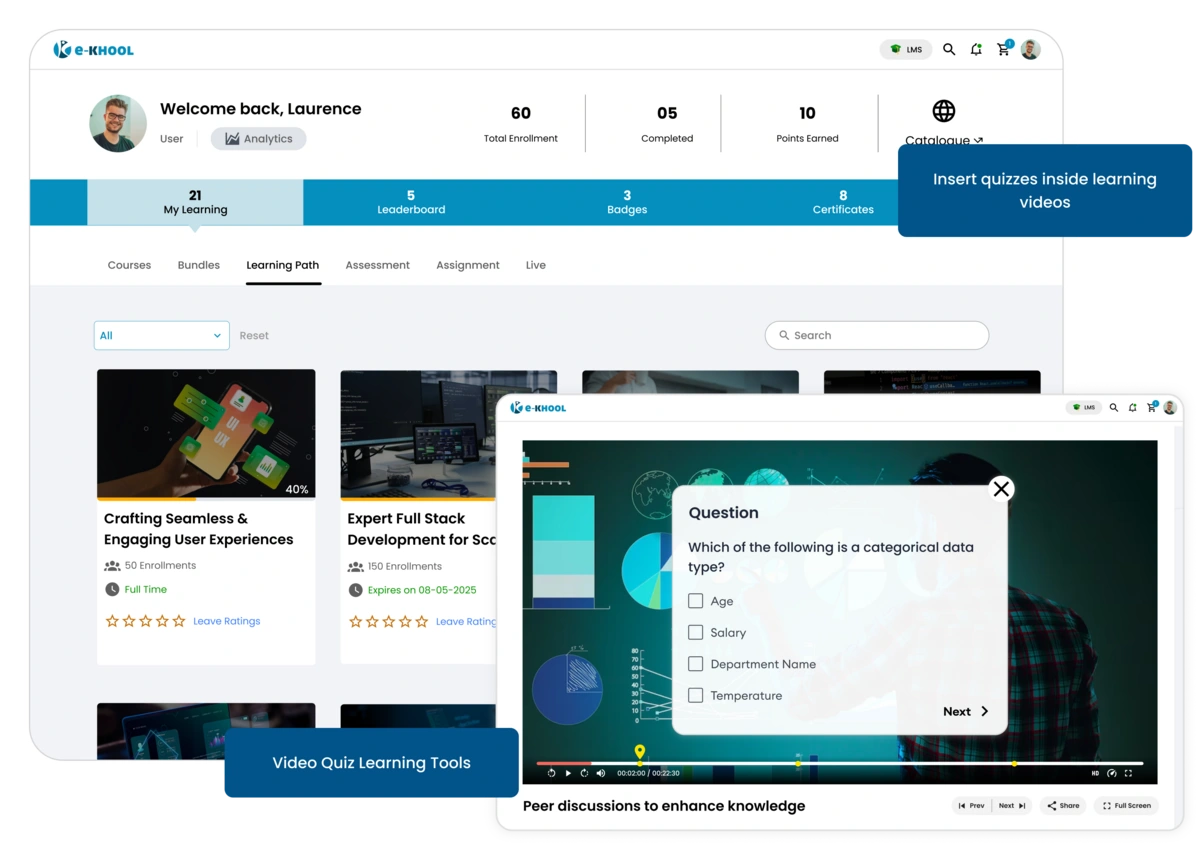
Quizzes can be added in between videos as instant mapping, ensuring every learning moment in video learning with embedded questions for learners.
Timed Question Features
Questions are mapped with time features in the video that helps the trainers to exactly add questions for timely quizzes.
Visual Mapping Features
Map questions to specific minutes or positions in the video with correct answers, ensuring learners stay focused and do not skip essential content in the online learning system.
Pointing Features
Add as many interactive quizzes as needed with multiple questions to keep learners actively involved throughout the video.
Chapters Management with Interactive Video
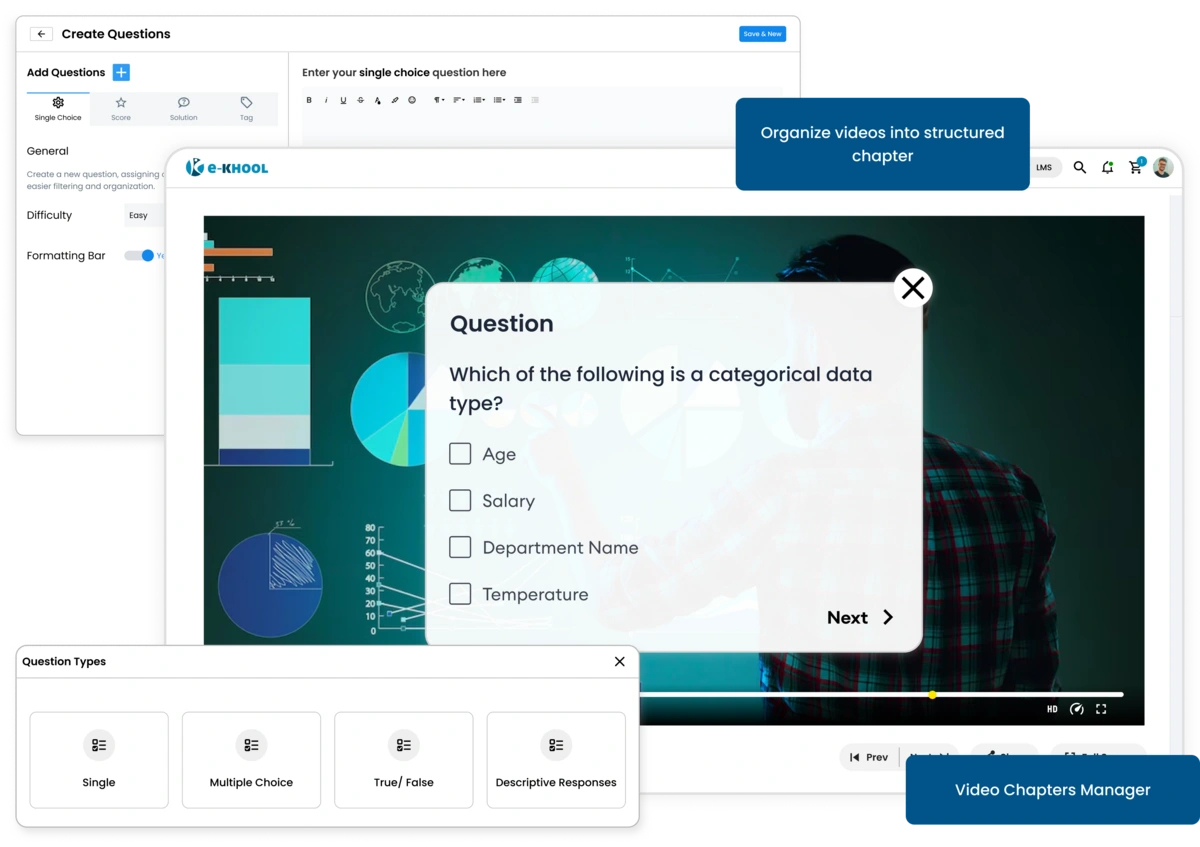
Add segment long videos into chapters with real-time assessments helping learners to learn key topics step by step throughout the learning management system.
Flexible Chapter Creation
Divide your video into logical sections and attach interactive quizzes at each stage for structured learning.
Multiple Question Types
Include single-choice or multiple-choice questions based on learning goals within each chapter.
Custom Learning Flow
Guide learners through content at your pace, ensuring each chapter is completed before they move forward.
End-Video Quizzes for Knowledge Checks
Ensure learners truly comprehend the content before moving on. End-video assessments appear once the full video is viewed.
Popup Feature
When the video ends, a quiz automatically appears as a popup, prompting learners to complete the assessment inside the LMS platform.
Mandatory Completion Feature
Learners are streamlined to complete the end-video assessment before accessing the next course material.
Flexible Question Feature
Add any number of questions in the end assessment, customized for course complexity and learner needs.
Video Analytics for Learning Outcomes
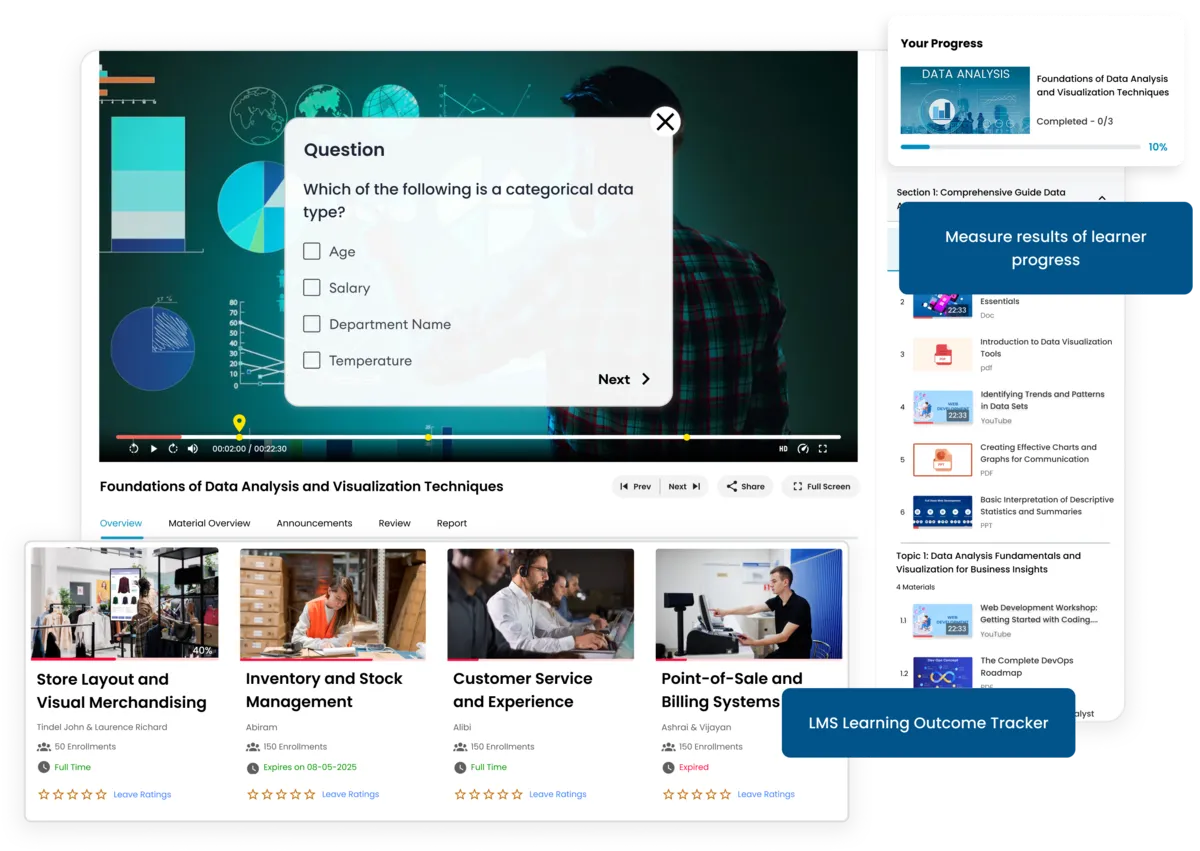
Monitor learner interaction to measure video engagement and knowledge retention.
Enhanced Learning Outcomes
Interactive videos improve focus, recall, and course completion rates by keeping learners actively involved.
Auto LMS Sync for Analytics
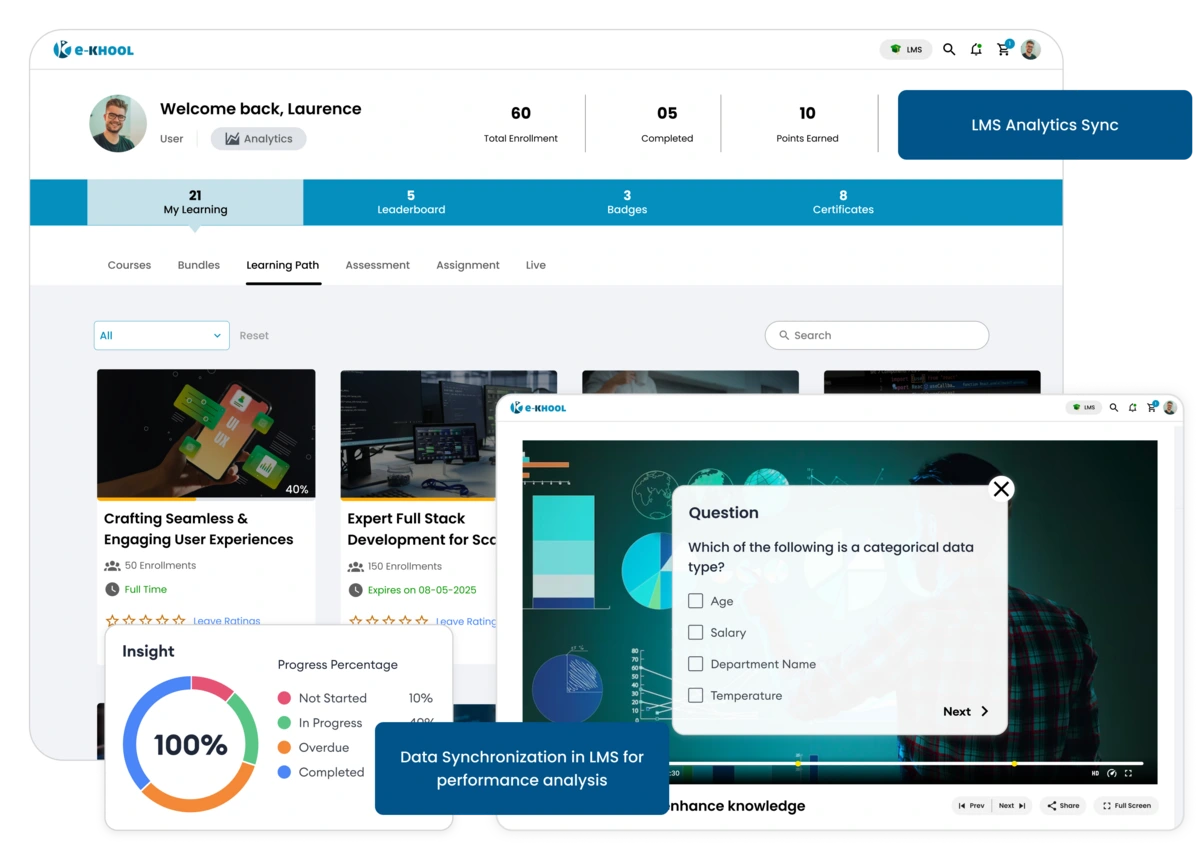
All data syncs automatically within e-KHOOL LMS analytics, ensuring accurate progress tracking and performance review.