Visualize Learning Beyond Boundaries with Virtual Classroom LMS
e-KHOOL offers an engaging environment where instructors and learners connect and collaborate through real-time online learning experiences.

Effective Conferencing Tools for Virtual Learning
Virtual live learning through Conferencing tools with interactive features replaces traditional learning for learners, giving the exact feel virtually.
Virtual Live Training Tools for Connectivity
It recreates the energy of physical classrooms virtually by conducting classes online with face-to-face interaction, instant feedback, and engaging discussions.
Communication Tools for Interactivity
Enable live chat, audio, and video interaction between teachers and students through the virtual classroom communication tools to ensure active participation and meaningful learning experiences.
Live Engagement Features for Interactivity
Educators can share content live with easy screen sharing, document display, and presentation tools that help explain topics clearly and keep learners attentive.
Whiteboard Collaboration Features
Present and share ideas visually using the digital whiteboard, allowing instructors to draw, highlight, and discuss concepts interactively during sessions.
Content Sharing Features
Allows educators to present and share slides, documents directly within the session, helping learners understand topics through real-time knowledge sharing.
Learning Beyond Live Sessions
Every session can be recorded inside the online learning platform, allowing learners to revisit classes, revise lessons, and continue learning anytime after the live session.
Record and Replay Features
Save and replay every class for learners who missed the session or want to review lessons for better understanding and retention.
Easy Access Library Features
All recorded sessions are securely stored inside the LMS recording library, ensuring quick access and allowing learners to revisit sessions anytime.
Keep Learners Engaged and Active
Live surveys, quizzes, and instant feedback encourages active participation of learners that make sessions more interactive.
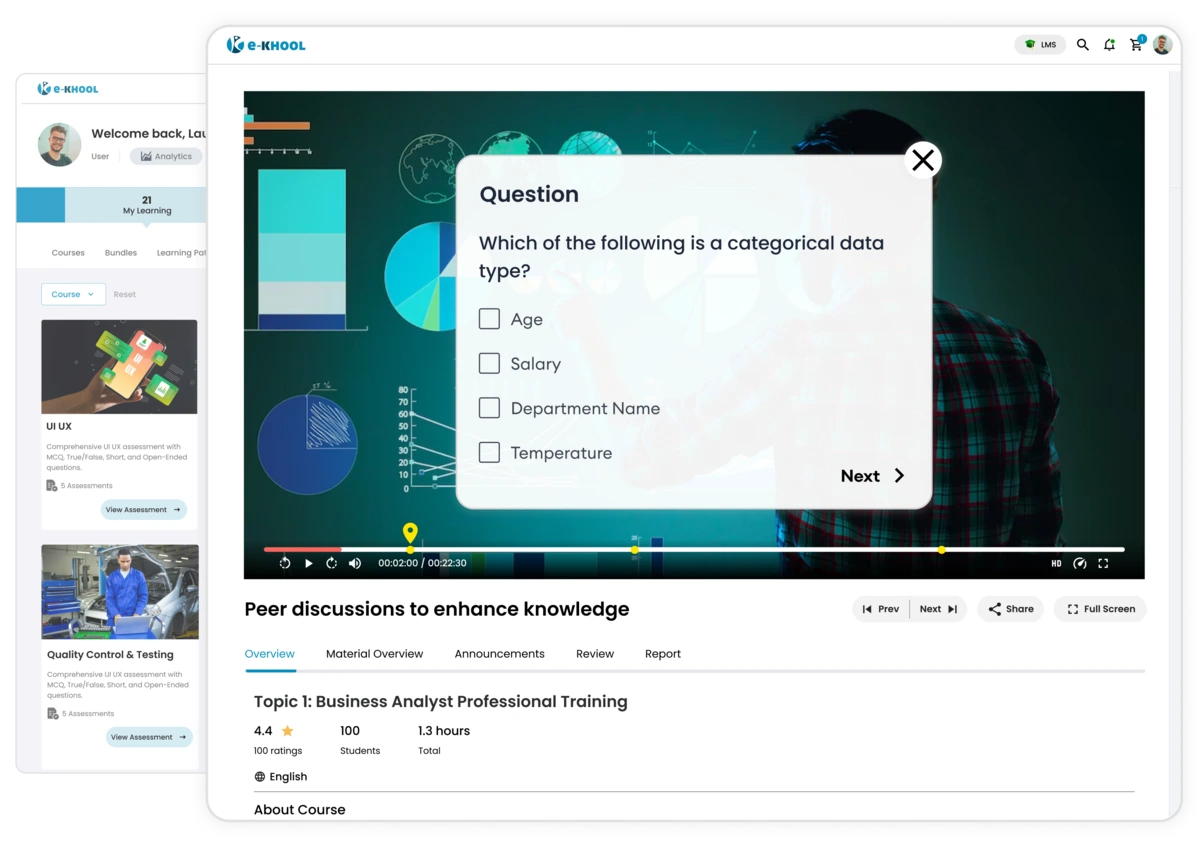
Real-Time Surveys for Learner Feedbacks
Gather learner opinions instantly through live surveys and lead discussions based on collective feedback.
Instant Short Quizzes for skill assessments
Test knowledge of learners' understanding during sessions with short quizzes that boost attentiveness and help assess involvement immediately.
Team Learning and Collaboration Tools
e-KHOOL promotes team collaboration through various engagement tools fostered through groups, breakout rooms enhancing the involvement.
Group Discussions Tools
Enable focused discussions within groups, allowing participants to exchange ideas and solve problems in smaller learning spaces.
Project Collaboration Tools
Use breakout rooms for assignments or project-based learning, encouraging and sharing creativity and teamwork during live sessions.
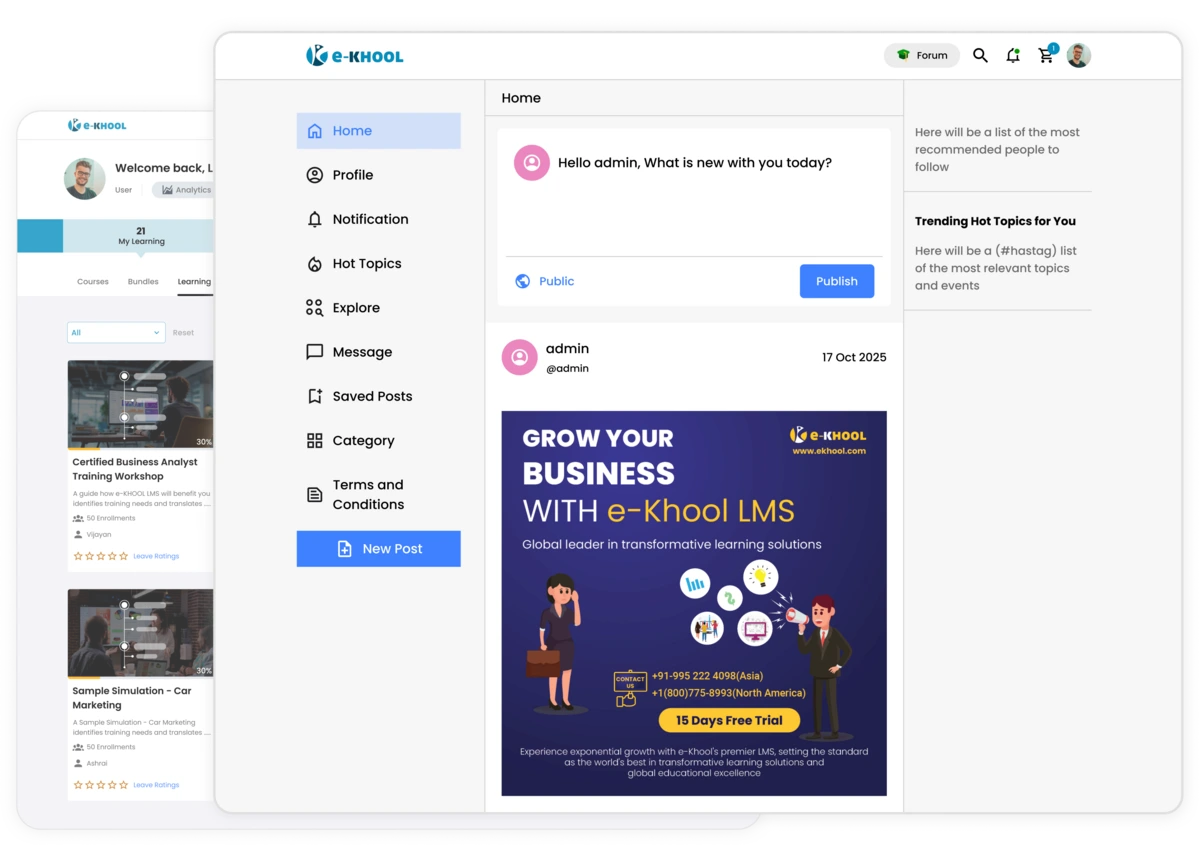
Scalable Online Event Managements
e-KHOOL supports both small classes and large-scale webinars through a reliable online learning system, ensuring high performance and smooth event control.
Authentication management for Secure Access
Allow only authorized participants to join live sessions using secure authentication, maintaining privacy and data safety at all times.
Participation Management for Scalability
Hosts live for hundreds or thousands of participants effortlessly while maintaining stable performance and quality interactions.