Course Builder – Create and Manage Courses Easily
Build your courses effortlessly with e-KHOOL LMS. Create, edit, and publish professional learning materials with full control and flexibility.
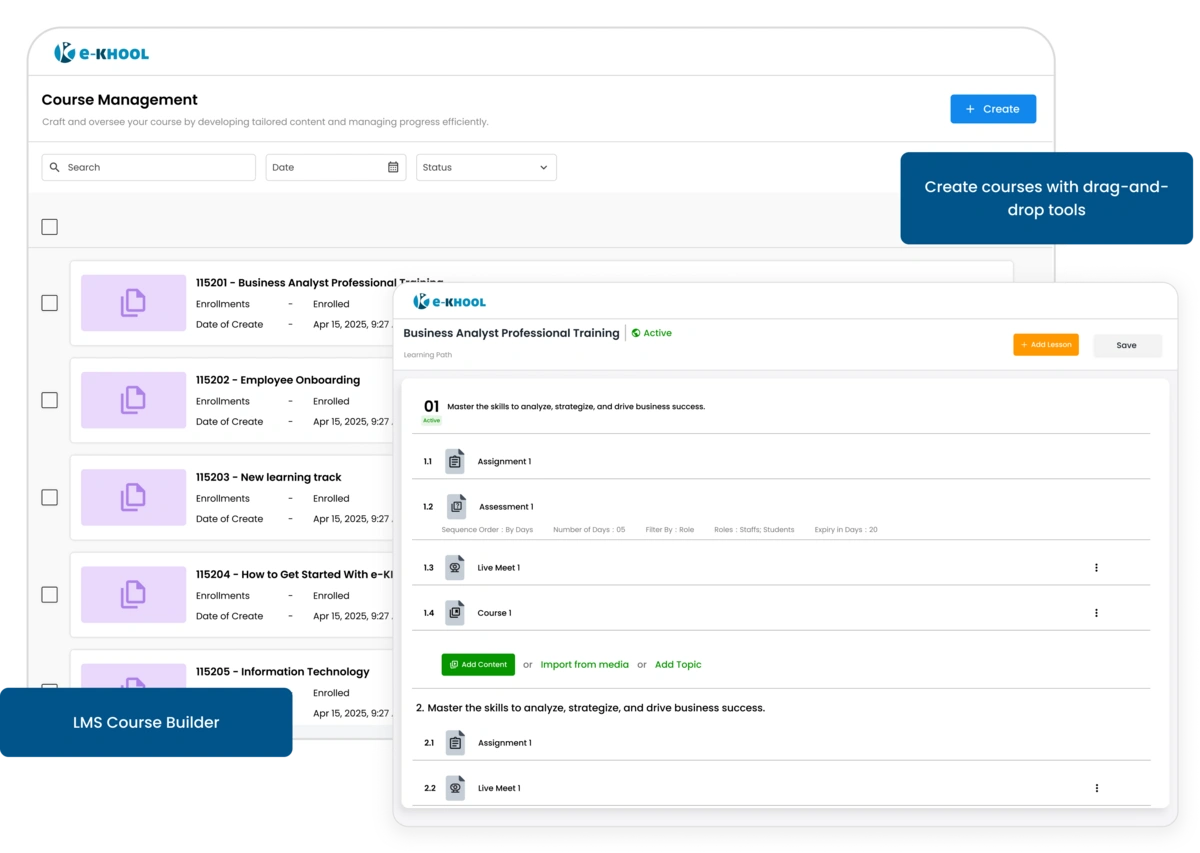
Effortless Course Management System
e-KHOOL Course Builder helps admins and trainers set up courses quickly using a simple, guided process and design courses with no technical skills required.
Code-Based Setup Management
Assign a unique course code for streamlined tracking and retrieval an essential capability for structured training in any eLearning platform.
Course Profile Management
Add key details such as the course title, instructor name, and cover image to give courses a professional look.
Descriptive Information Management
Add both short and detailed descriptions to highlight learning goals, target audiences for learners.
Course Categorization Management
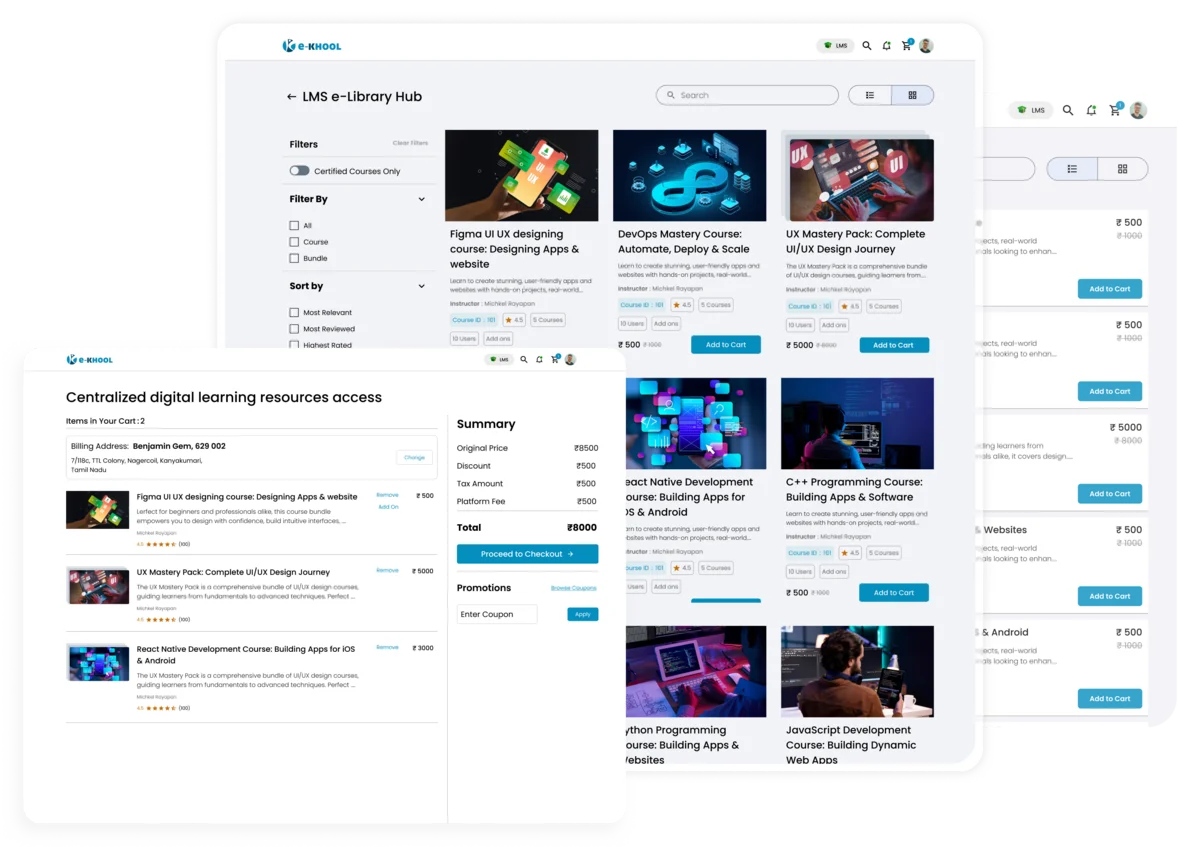
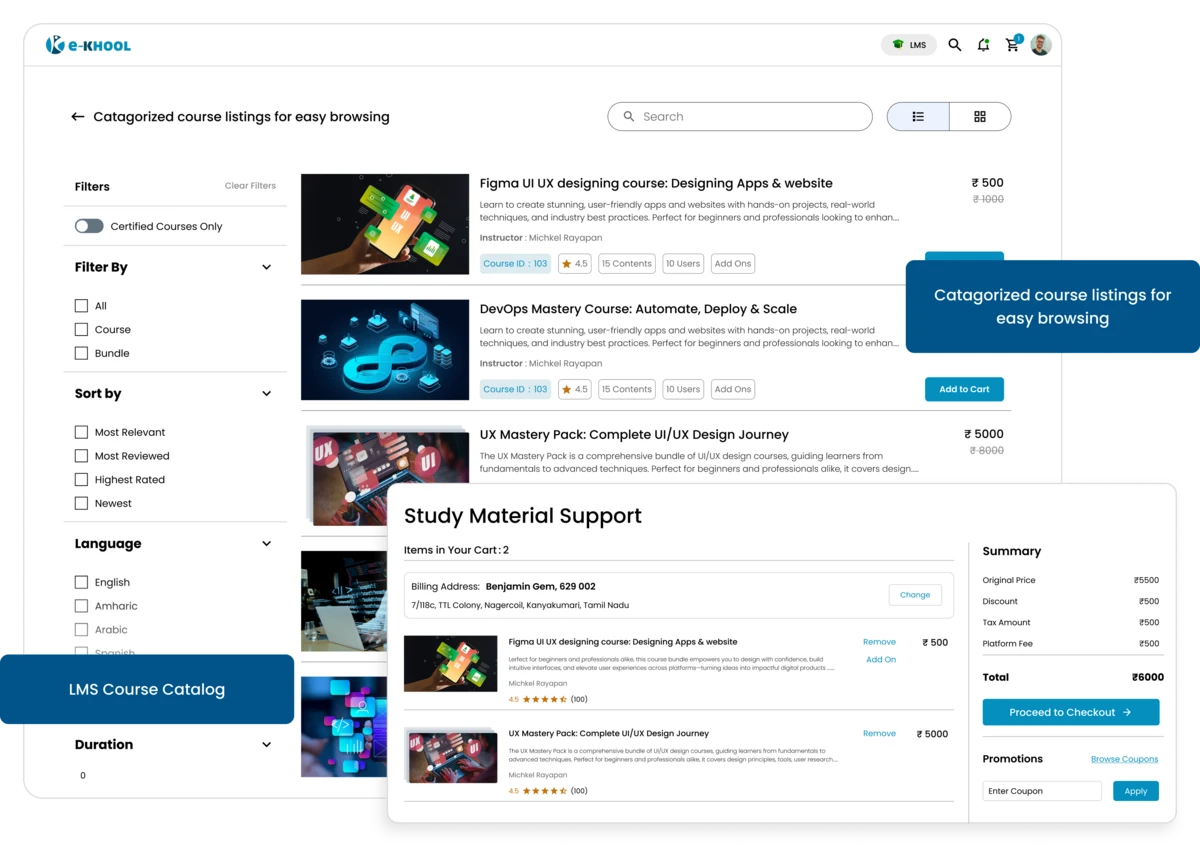
Categorize courses by domain, subject, skill level, department, or learning path to ensure clear navigation for learners across your corporate training LMS.
Flexible Payment Management System
Admin can set up how learners access the courses, whether free or paid, with one-time or subscription payments.
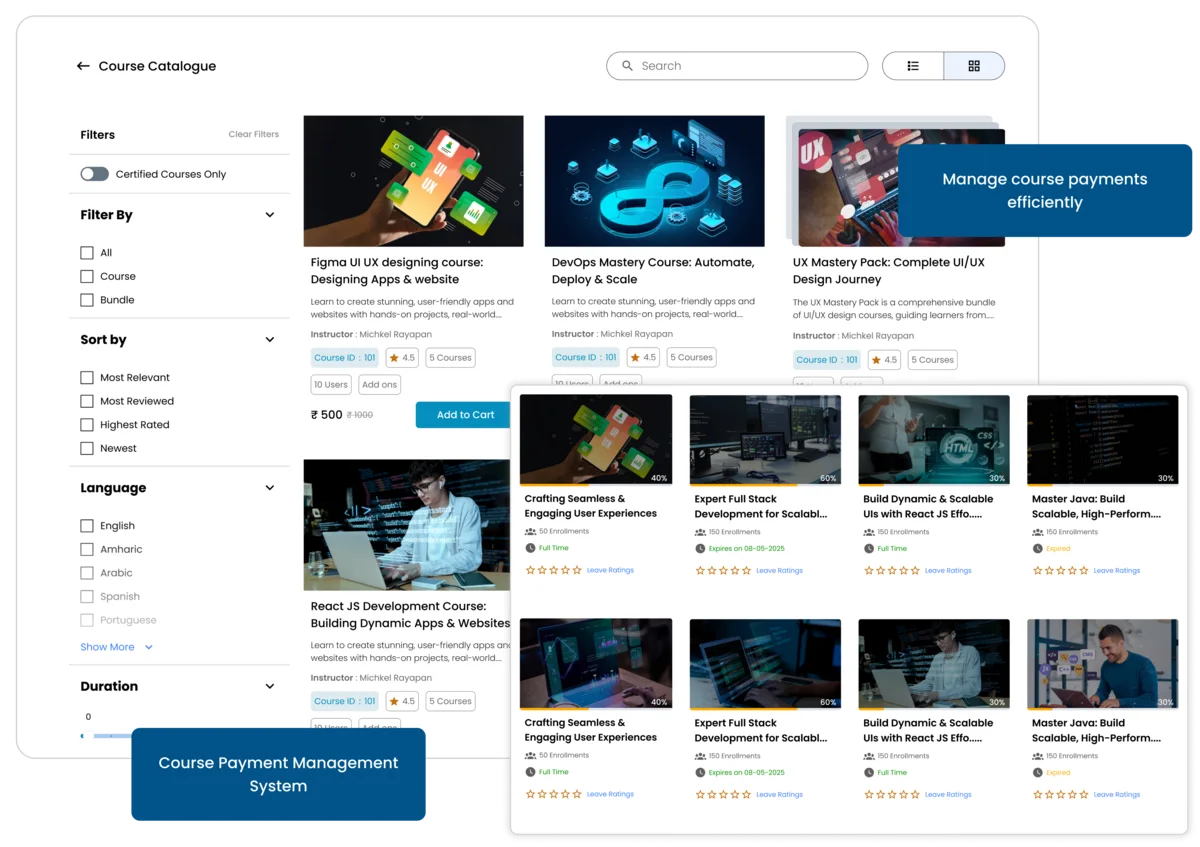
Free or Paid Courses Features
Set payment options such as pay for course or free to enrol course to suit your business model.
Subscription Payment Features
Offer flexible pricing by choosing full payment or recurring subscription options for learners, ensuring the course availability for everyone.
Enrollment Features
For better course access management, admin can now choose whether learners can enroll themselves or only through admin approval.
Certification Feature
Issue digital certificates automatically upon completion or disable certification based on training requirements optimized for professional development LMS workflows.
Dynamic Lesson Planning System
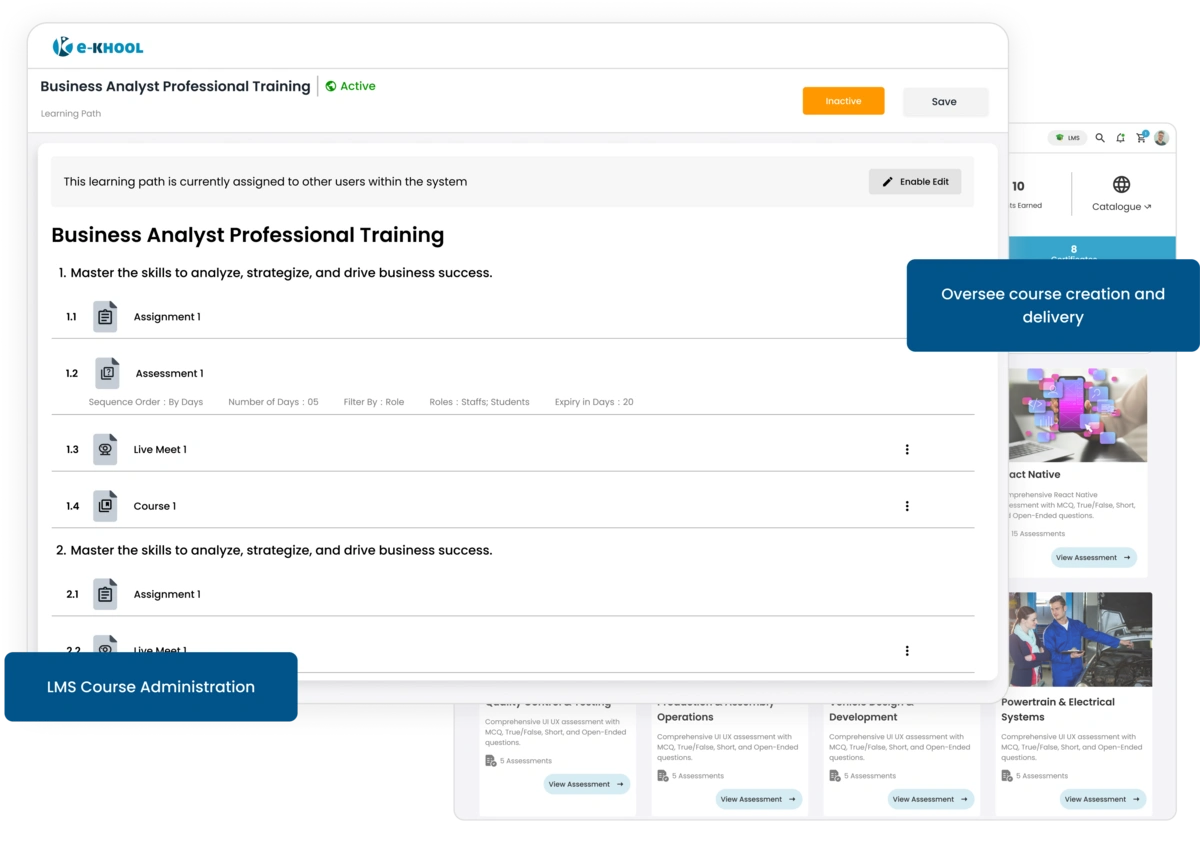
Add lessons, topics, and materials that guide learners through a smooth learning journey by organizing the course content in a clear and logical way.
Custom Features for Lessons and Topics
Structure courses into multiple chapters and sub-topics to help learners learn easily and progress step by step.
Uploading Features for Course Materials
Supports documents, PDFs, videos, presentations, or images directly into topics using supported file formats.
Interactive Features for Multimedia Files
Upload materials in various formats including PDF, DOC/DOCX, XLS/XLSX, PPT/PPTX, MP3, MP4, JPG, JPEG, and PNG.
Interactive Content Management
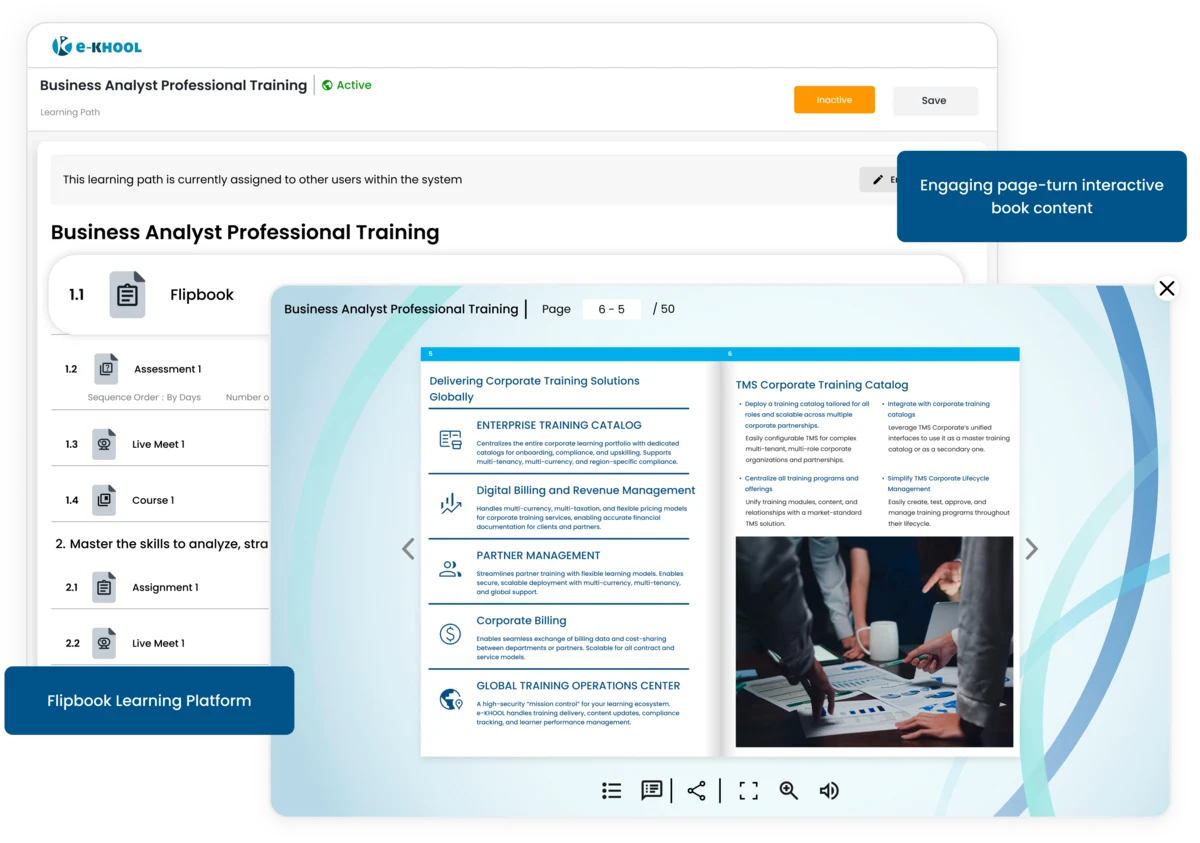
Add life to your courses with multimedia elements like flipbooks, HTML materials, SCORM files, audio, and video. Make each topic interactive and engaging.
Course Status Management
Keep your courses and their components under total control with active/inactive toggles.
Course Activation
Publish or unpublish courses anytime to control what learners can access and learn in their portal.
Lesson Status Control
Activate or deactivate lessons anytime based on the course release plan for learners to boost a streamlined learning.
Topic Availability
Enable or hide specific topics as needed for structured content release, maintaining a proper content flow for learners.
Content Visibility
Control the visibility of uploaded materials and publish them only when ready for learners.