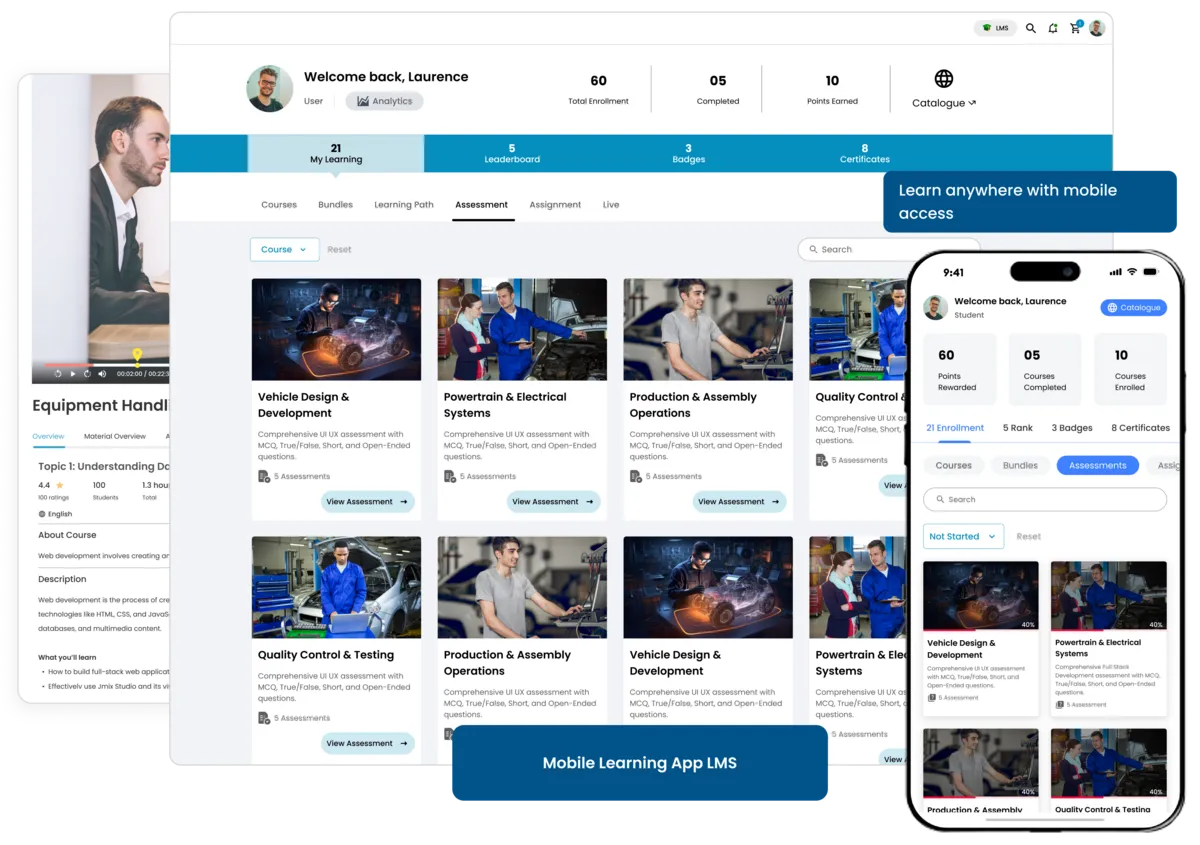
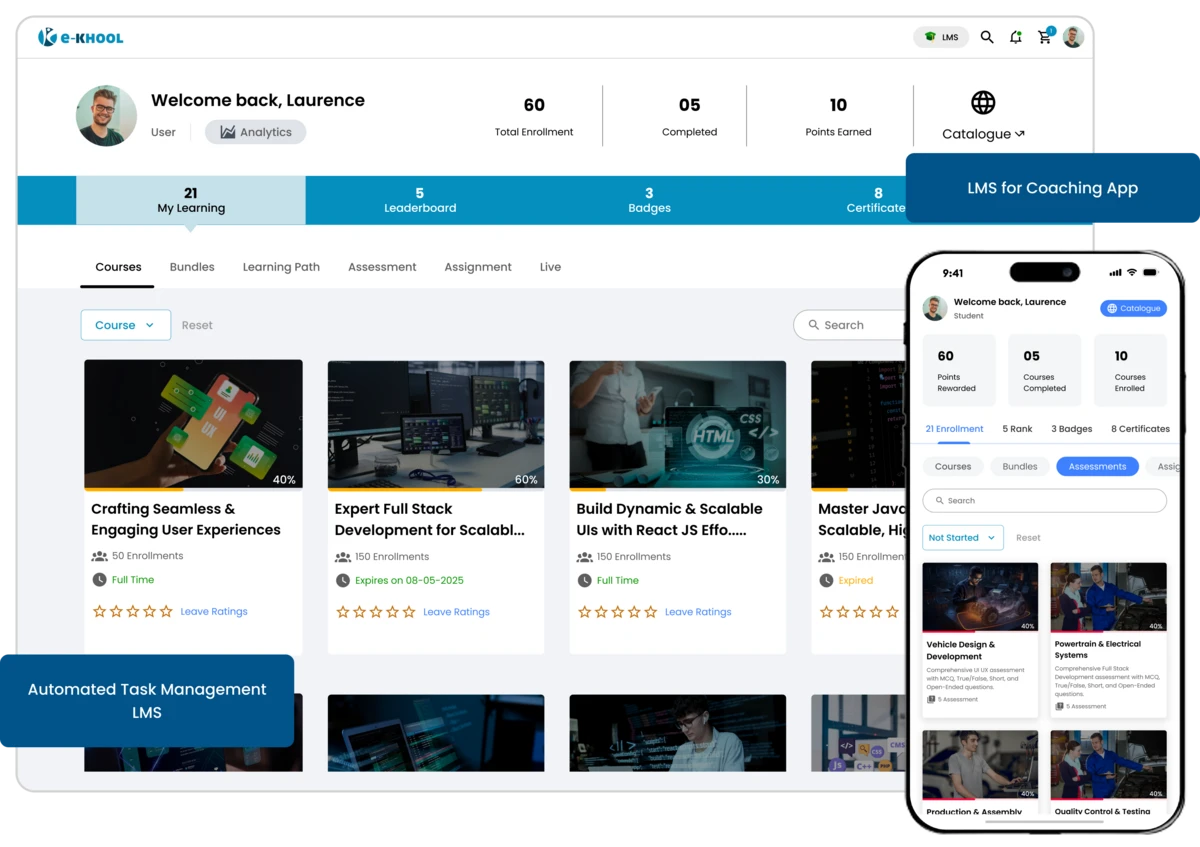
Certification Builder – Create and Manage Smart Digital Certificates
e-KHOOL Certification Builder offers customize, automate, and verify certificates with ease and accuracy and design professional certificates automatically for every course.
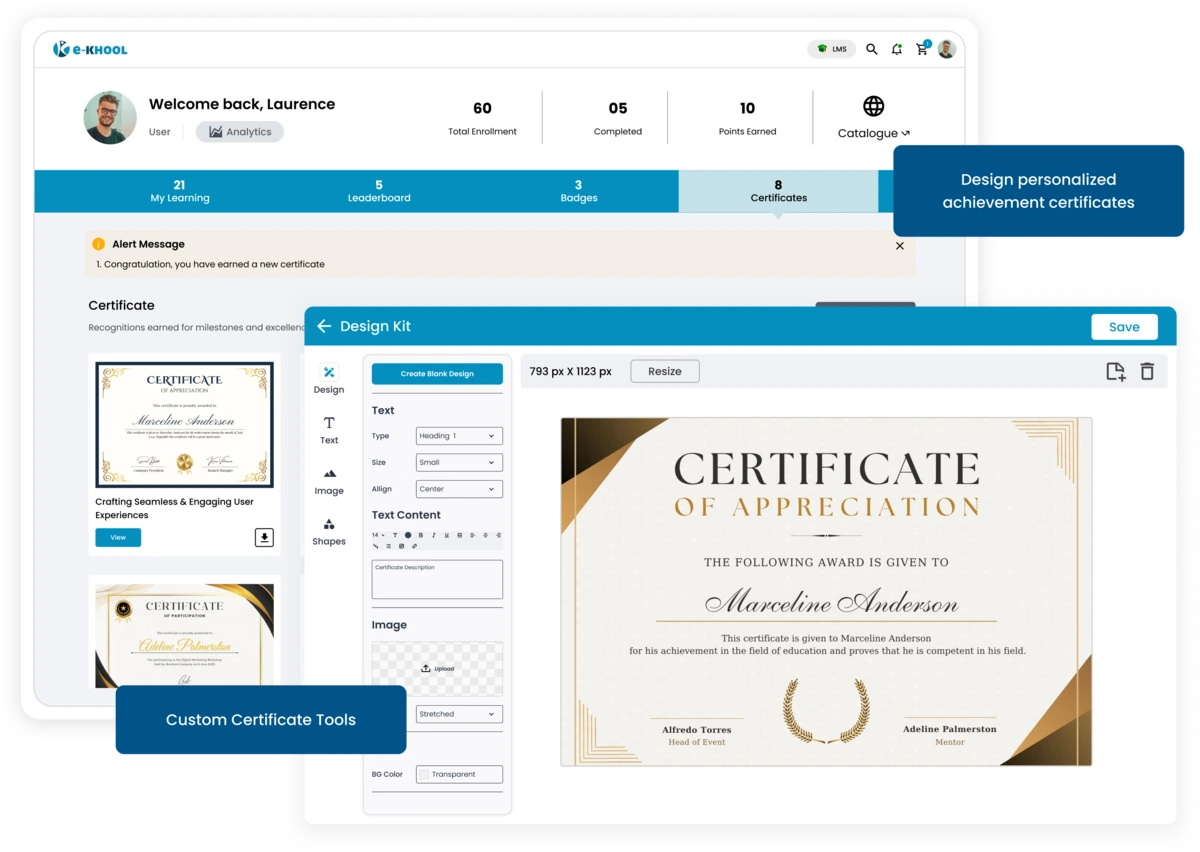
Flexible Certificate Management
Enable or disable certificates for each course depending on training needs. This feature ensures only required courses generate course completion certificates in the eLearning platform.

Course Completion Certificate
Activate or deactivate certificates individually for each course based on the training goals and learning requirements.
Exam Grade Certificate
Set eligibility rules by completion percentage or define a passing score for exams. Useful for skills-based training, academic programs, and corporate assessments inside a corporate training LMS.
Automated Certificate Feature
Certificates unlock automatically once learners meet the defined completion or exam criteria, thus saving manual effort for admins and trainers.
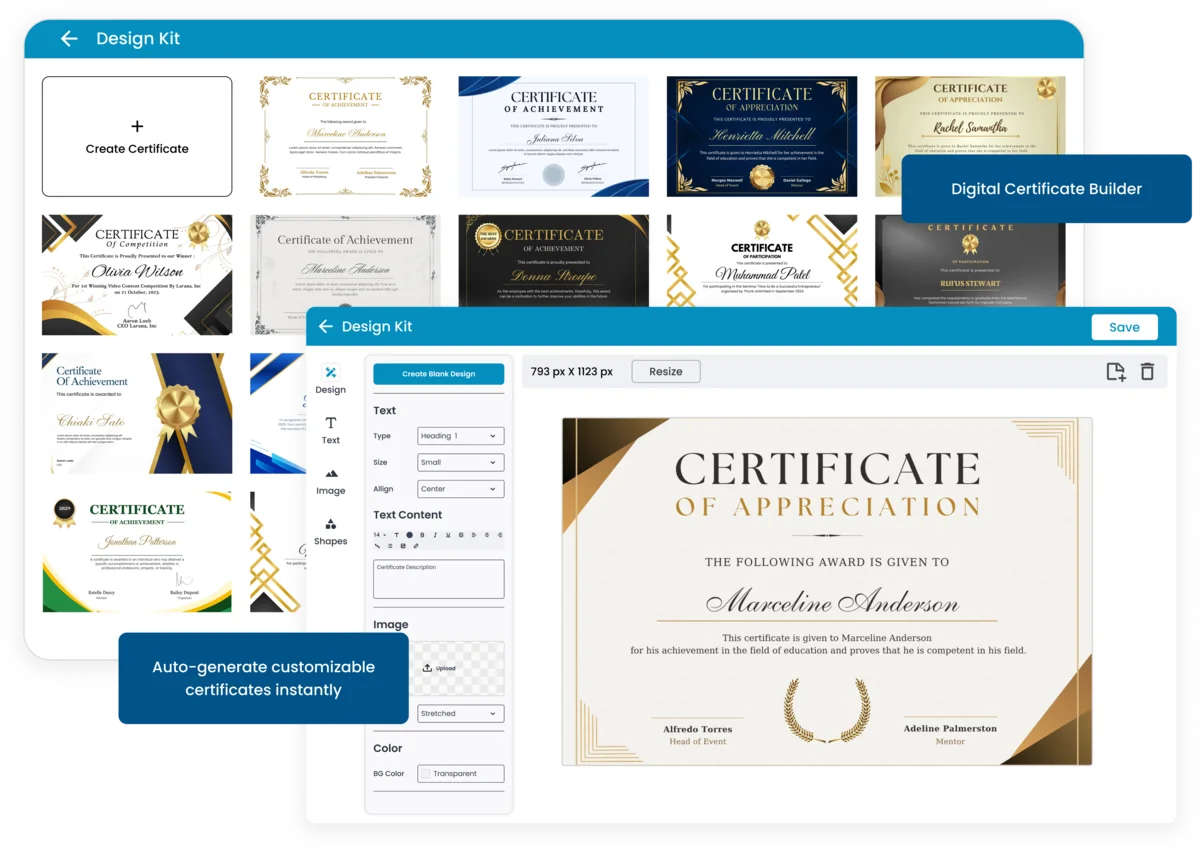
Advanced Custom Certificate Tools
Personalize every certificate with the brand’s design elements, without external tools, making them visually appealing and professional.
Custom Background Feature
Add solid background colors or upload branded background images to match your organization’s identity.
Design Element Feature
Include shapes, tables, or decorative elements to make certificates visually rich and professional.
Dynamic Text Feature
Insert custom text areas for titles, course details, and acknowledgments easily using the inbuilt text editor.
Smart Variable Integration in Certificate Management
Use dynamic variables to automatically personalize certificates for each learner without manual entry.
Auto-Fill Data Fields
Add variables like learner name, course name, trainer name, and dates to auto-generate personalized certificates.
Organization Branding
Insert organization name, logo, and QR code variables for brand value and certificate authenticity.
Unique Identifiers
Generate unique certificate IDs automatically for every learner, ensuring every certificate is individual and traceable.
Secure Verification and Validation
Ensure trust and authenticity with built-in certificate verification and real-time validation options, even third parties can validate without login.
QR Code Verification
Learners or third parties can scan the QR code to verify the genuineness of each certificate instantly in the platform.
ID-Based Validation
Certificates can also be validated by entering their unique certificate ID in the verification section.
Tamper-Proof and Authentication
e-KHOOL’s smart verification ensures all certificates are secure, verifiable, and impossible to duplicate or alter manually.