Assessment & Quiz Builder for Smarter Evaluations
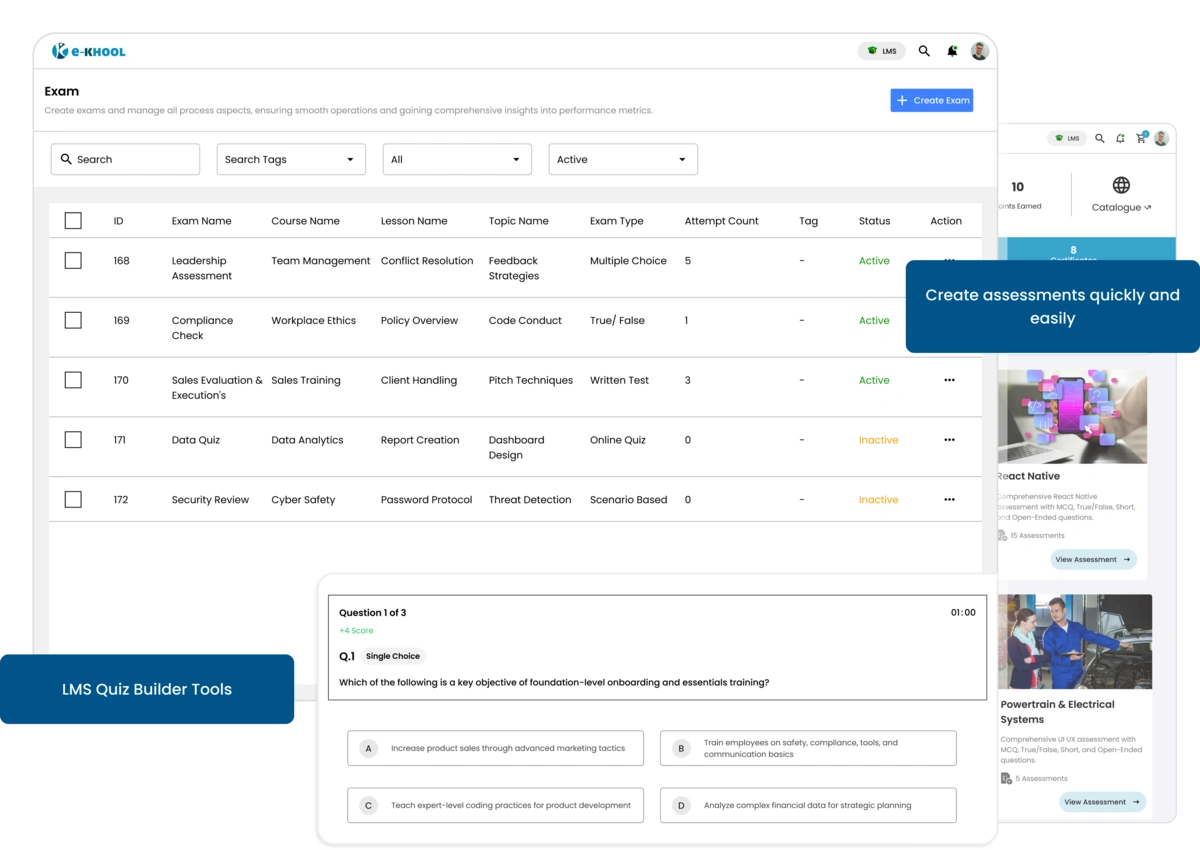
Create assessments easily by adding titles, defining duration, and setting attempts to match specific course and evaluation needs perfectly.
Complete Quiz Setup and tracking Management
A complete setup with tailored instructions, the online learning system ensures structured, transparent, and confident quizzes for both instructors and learners.
Exam Schedule Management
Configure start and end dates to manage exam availability and provide learners with an organized assessment experience.
Instructions and Tag Management
Provide clear exam instructions and tags to guide learners, and use tags to categorize quiz sets for easy access to instructors and administrators.
Learner Grade Management
Quizzes and exams are valued through custom grades offering valid exams for learners to measure their skills and knowledge.
Flexible Question Creation Tools
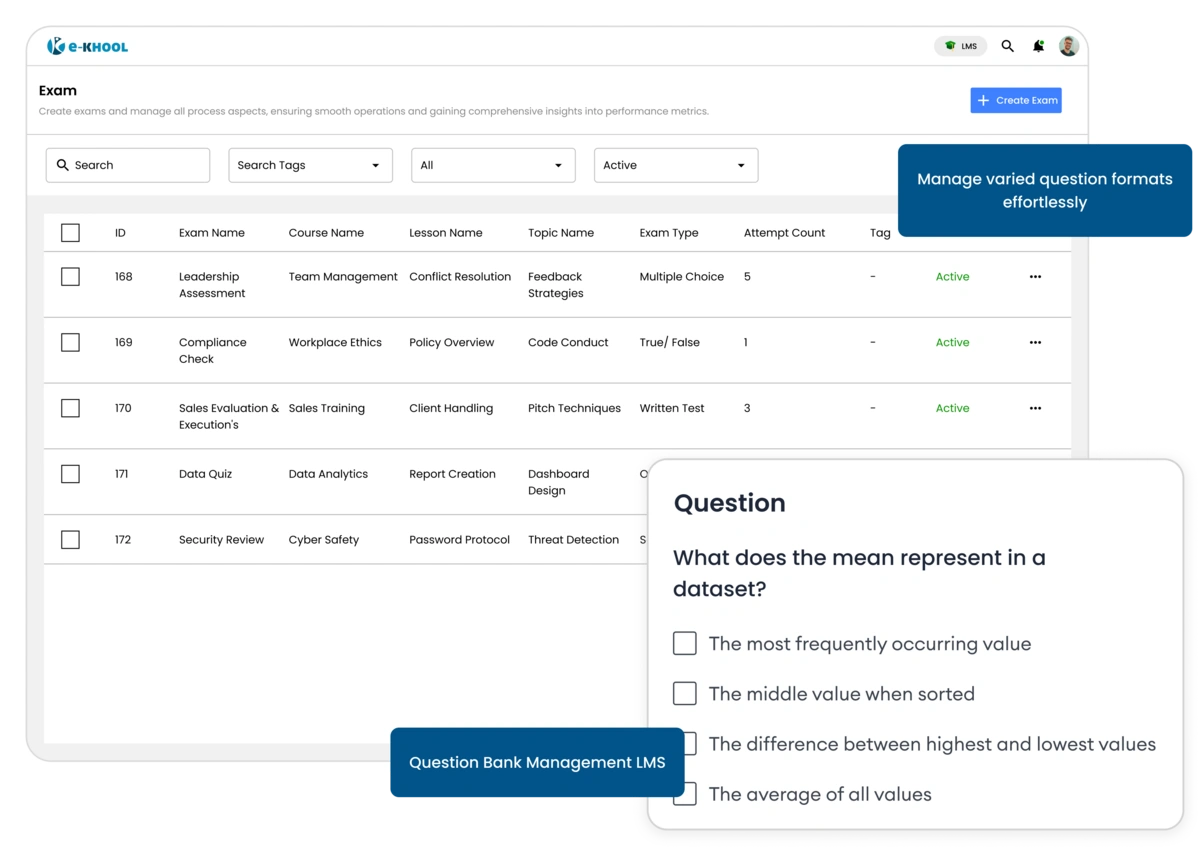
e-KHOOL offers assessments with multiple formats, including single choice, multiple choice, fill-in-the-blanks, subjective, comprehension, match, and integer questions.
Question Management for Diverse Assessing
Diverse question types help educators to test conceptual understanding, reasoning, and application-based skills effectively.
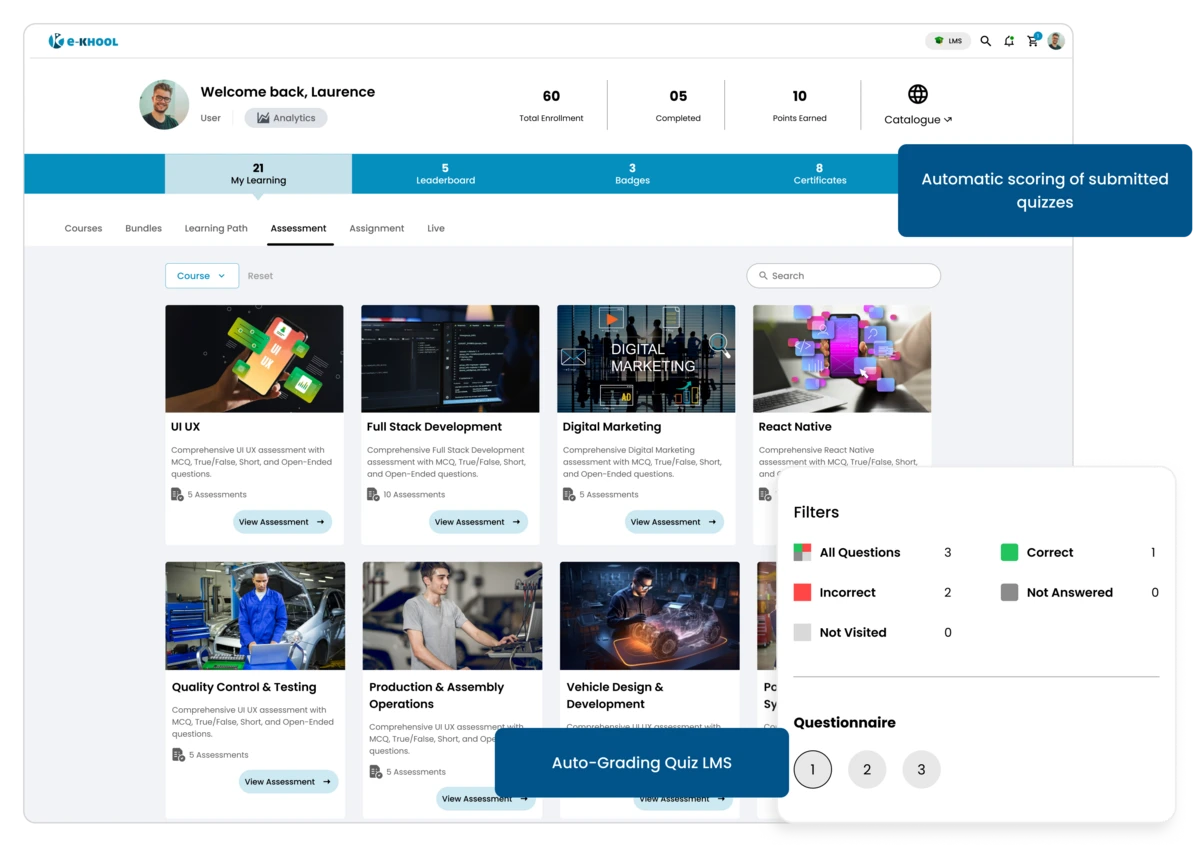
Quiz Evaluation for Auto Grading
All questions are auto-evaluated except fill-in-the-blanks and subjective types, ensuring balanced automation and manual precision.
Efficient Question Management
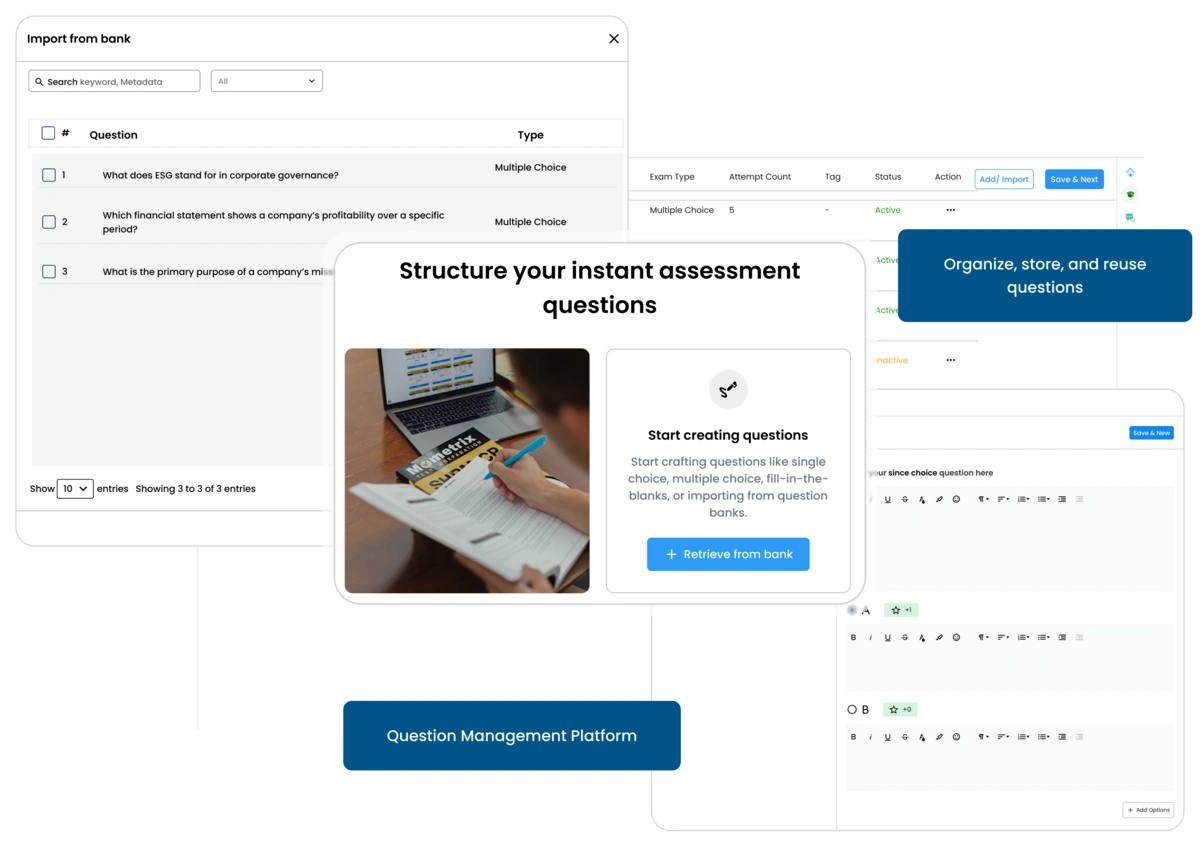
Save time with easy question import options and centralized question bank integration.
Seamless Import Options
Upload formatted DOCX or XLSX question templates or import directly from the Question Bank effortlessly.
Reusable Question Bank
Questions are stored in a bank, from there, it can be reused across courses, simplifying repetitive assessment setup inside the LMS Platform.
Template-Based Question Uploads
Bulk assessments are created with structured question uploads for faster assessment preparation.
Assessment Control Settings
Configure assessments with difficulty mapping, positive and negative marking, and randomization settings.
Difficulty-Level Features
Classify questions by difficulty — simple, moderate, and complex for well balanced assessments.
Auto Scoring Features
Assign marks for right and wrong answers, rewarding accuracy while reducing manual evaluation
Dynamic Configuration Features
Set random order, compulsory questions, and attempt limits for flexible and fair exams.
Instant Results and Interactive Insights
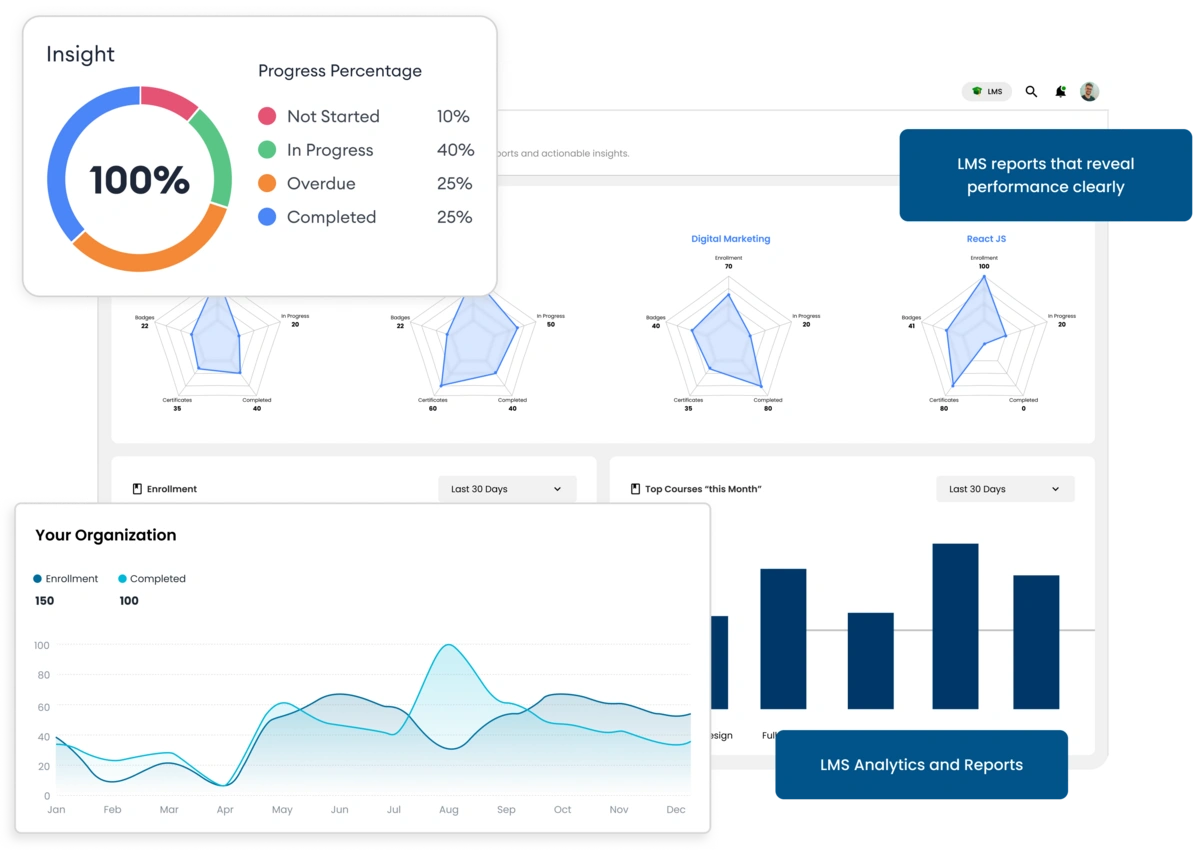
Deliver clear results, review solutions, and analytics-driven insights for improved learner outcomes.
Instant Result Review
Allow learners to view instant reports and solutions immediately to improve themselves by using LMS for automatic reports and analytics.
Interactive Video Quizzes
Insert quizzes during or after videos to make learning engaging and ensure learners gain knowledge using the LMS video quiz feature.
Outcome-Based Evaluation
Track performance through analytics to refine teaching strategies and measure learning effectiveness accurately.