e-KHOOL Support Ticketing System
The e-KHOOL support ticketing system provides a centralized platform for recording support requests, tracking technical issues, monitoring ticket status, and managing support activities across corporates and organizations.
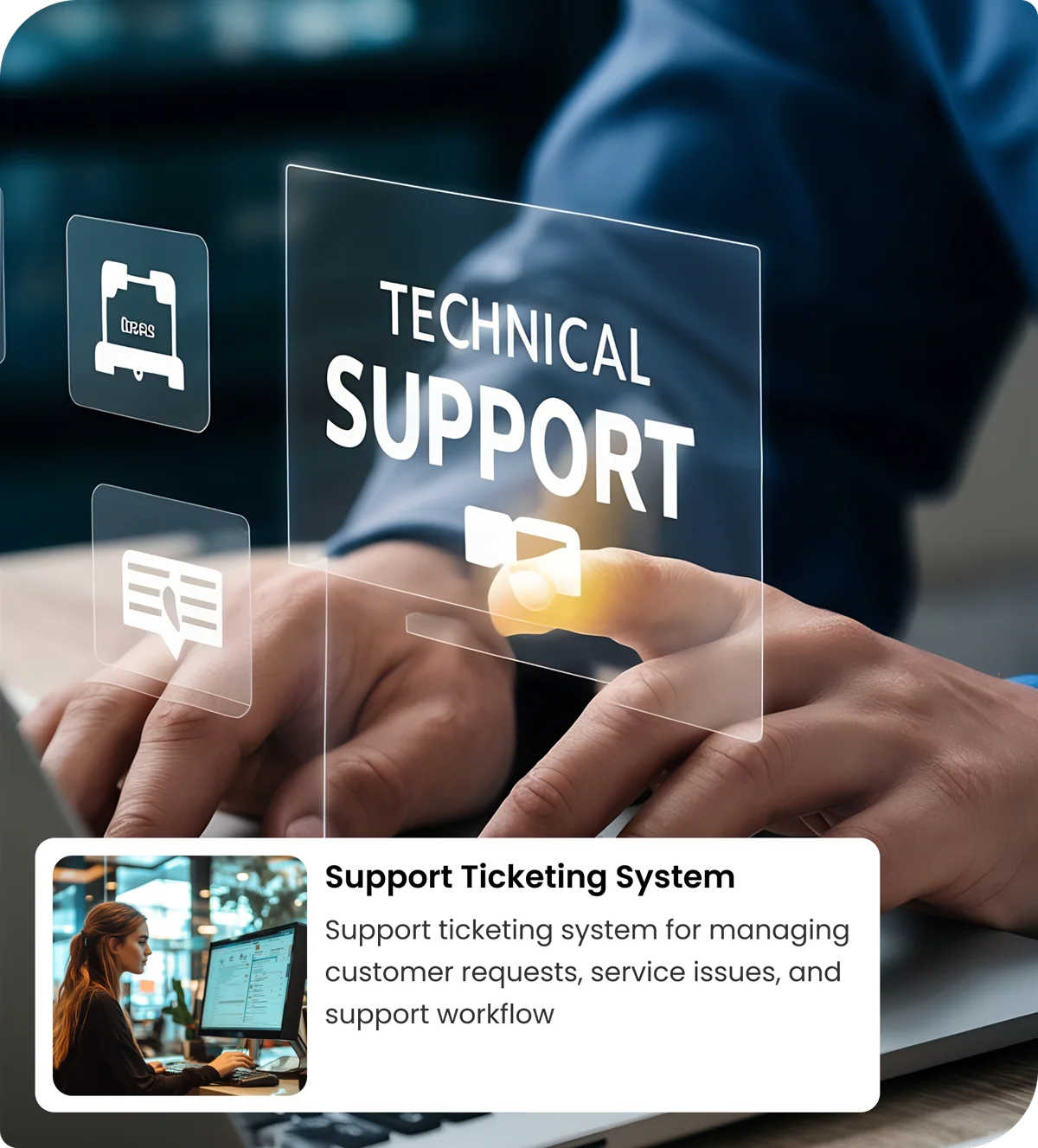
One Place for Every Support Request
A centralized helpdesk and ticketing system
The e-KHOOL helpdesk system helps support teams manage reported issues through a structured ticketing workflow.
One Place for Every Support Request
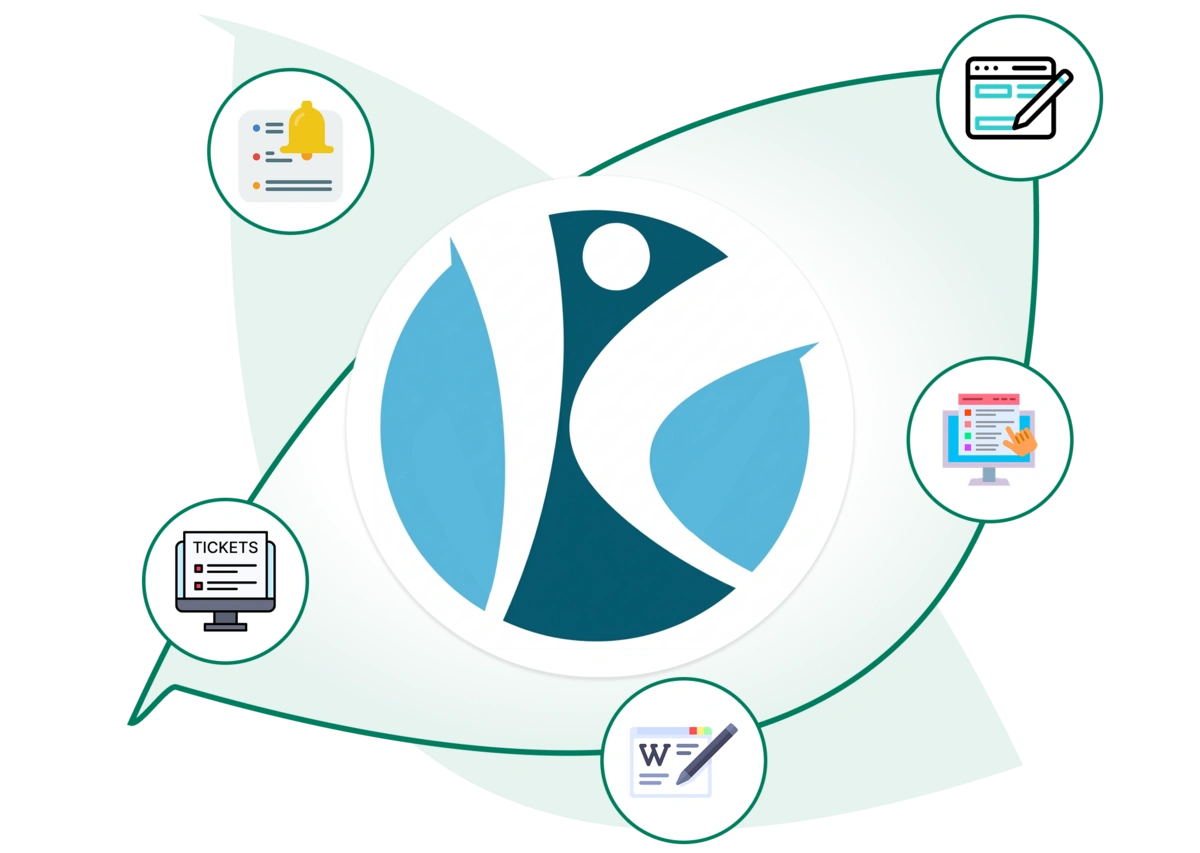
Ticket Management
Use the ticketing management system to record support issues, review ticket details, and track tickets through open, in-progress, resolved, and closed statuses.
Issue Classification
Organize tickets by priority, severity, institution, and system module to maintain structured support records.
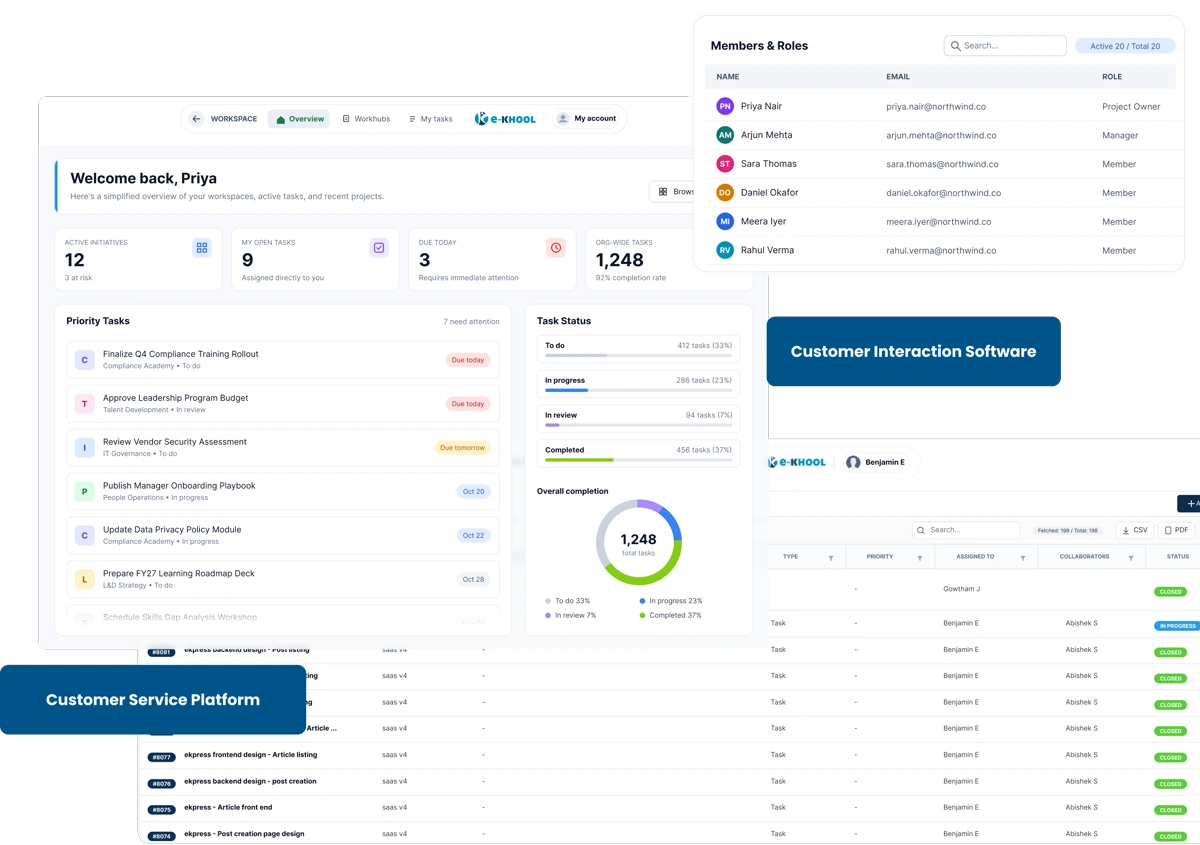
Dashboard and Reports
Review ticket totals, status distributions, and module-level statistics to understand current support activity.
User and Access Management
Manage system members and available access levels through the helpdesk system's administrative sections.
Help desk software for ticket tracking and reporting
Monitor support requests and ticket status
The e-KHOOL ticketing system provides an overview of support activity, making it easier to locate reported issues and review their current status. Its reporting views help teams understand ticket volumes, priorities, and module-wise distributions.

Ticket Status Tracking
Track open, in-progress, resolved, and closed tickets through the help desk interface.

Priority and Severity Reports
Review ticket priority and severity information to identify issues that require attention.

Module-Wise Issue Tracking
Review tickets associated with different institutions, folders, and system modules.
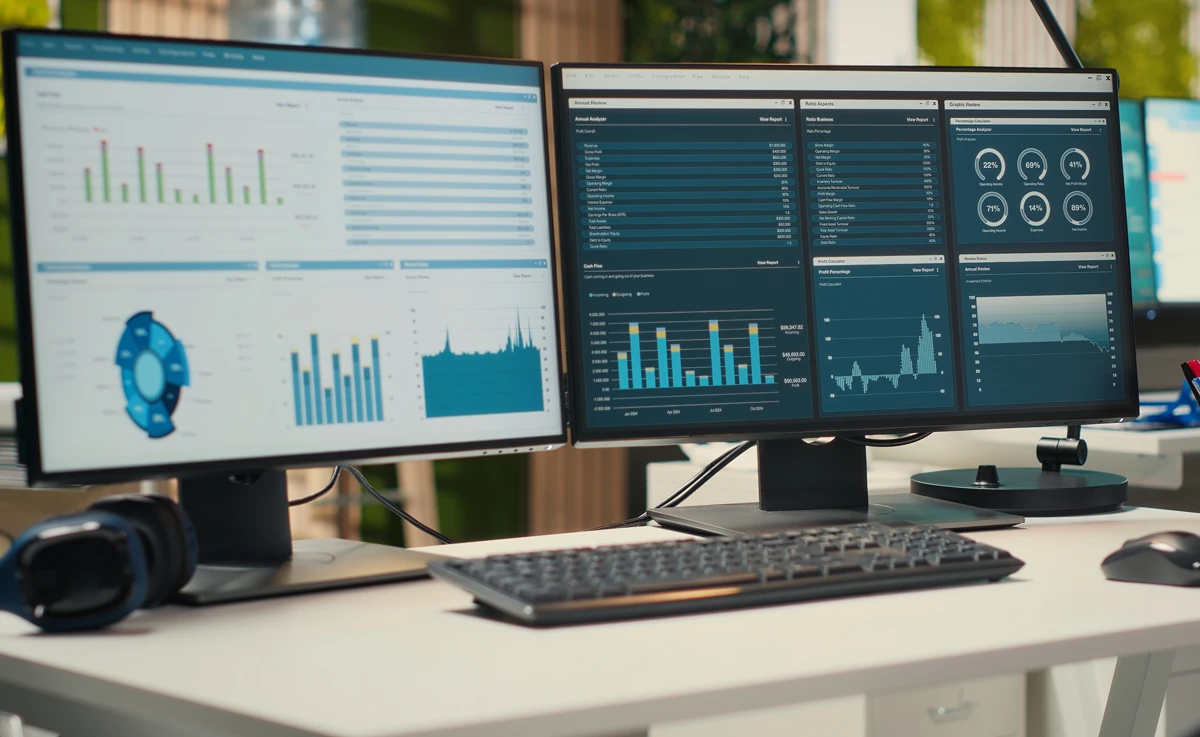
System Health Monitoring
Access configured service monitors and incident information through the System Health section.
How the helpdesk ticketing system works
A practical ticket lifecycle
Follow each support ticket from initial reporting and issue classification to progress monitoring and resolution, maintaining clear records throughout the entire ticket lifecycle.
01. Record a support request
Enter the issue details and relevant information into the ticketing system.
02. Classify the issue
Review the affected institution or module, along with the ticket's priority and severity.
03. Monitor ticket progress
Follow the recorded ticket status as the issue is investigated and handled.
04. Review the resolution
Check the final status and retain the ticket record for future reference.
IT support ticketing system features
Additional support and administration modules
Explore the supporting modules that help monitor system health, review activity records, manage user access, and maintain essential configuration settings.
Help desk solutions for educational support operations
The e-KHOOL support desk provides a structured way to organize technical support information for educational systems.
Centralized Ticket Records
Maintain an organized record of support requests and issue statuses.
Issue Prioritization
Review severity and priority information for reported problems.
Operational Reporting
Examine ticket counts, status summaries, and module distributions.
Access Administration
Manage system members and their available access levels.