Powerful Online Meeting Tools for Corporate Collaboration
e-KHOOL Live Meeting Tool helps to conduct seamless online meetings with high-quality video, audio, and interactive collaboration features, improving team engagement across locations.
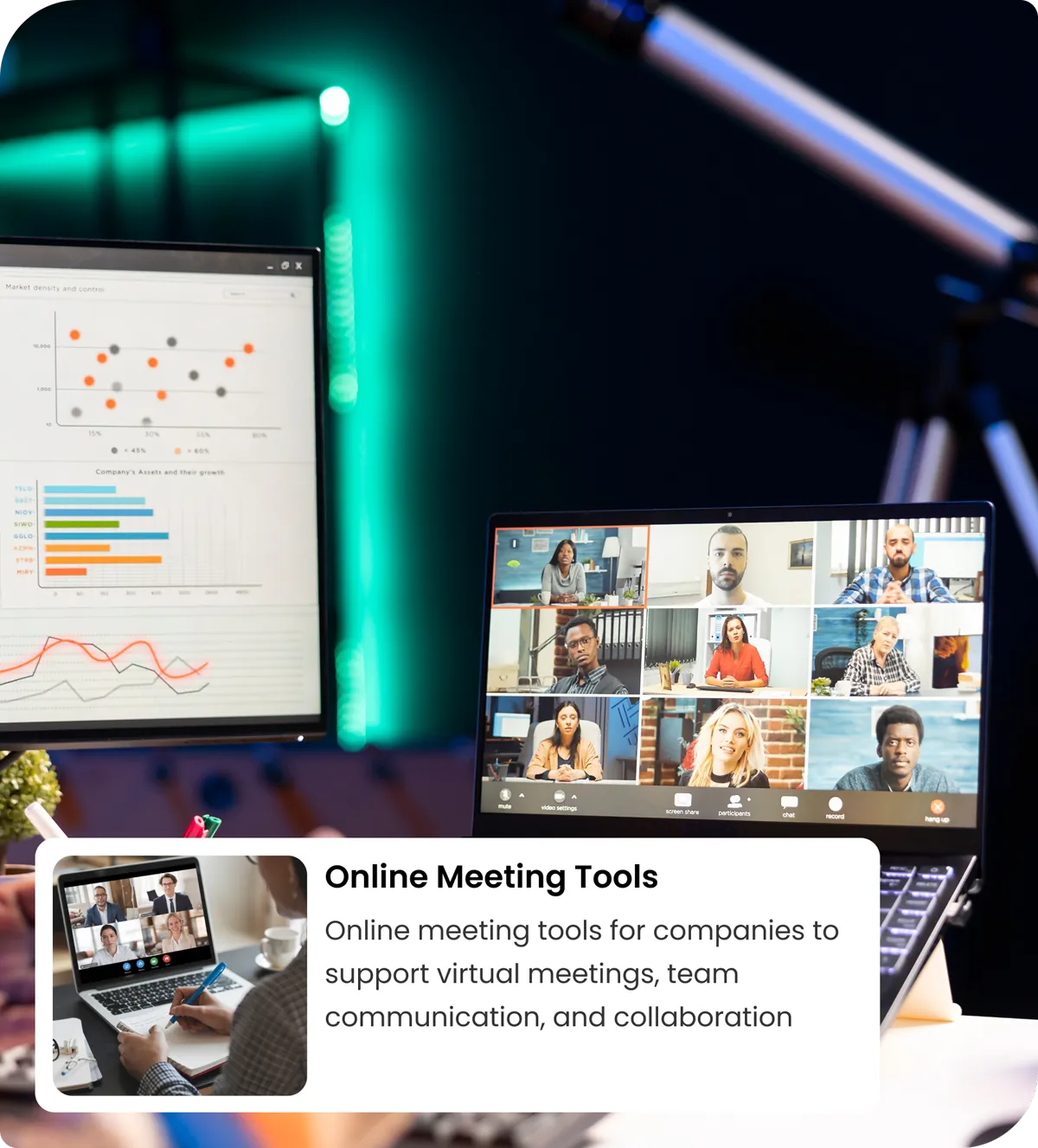
Unlock Operational Efficiency with Live Conference Software
e-KHOOL Online Meeting Tools provide centralized scheduling, role-based access, and analytics, enabling organizations to manage virtual meetings efficiently.
Organize Meetings through Seamless Scheduling Features
Schedule Across Teams and Time Zones
Easily schedule meetings across global teams and departments using the online meeting tool, adopting different time zones and avoiding scheduling conflicts efficiently.
Calendar Integration & Automated Reminders
Corporate calendar integration provides automated reminders, alerts, and notifications, ensuring employees are always informed without manual follow-ups.
Recurring or One-Time Sessions
Set up recurring or one-time meetings effortlessly using online meeting software, simplifying planning for regular updates, project discussions, or client interactions across all teams.
Assign Roles and Participants
Designate hosts, co-hosts, and participants with proper access controls, ensuring organized meeting flow, secure management, and accountability for discussions and presentations.
Enhance Engagement with Interactive Meeting Features

High-Quality Video and Audio Conferencing
Deliver crystal-clear video and audio during online meetings, online conferences, and live sessions, providing professional communication experiences for internal teams, clients, and stakeholders.

Screen Sharing & Real-Time Document Collaboration
Enable participants to share screens and collaborate on documents live, enhancing interactivity, productivity, and decision-making during virtual meetings and online conference sessions.

Live Chat, Polls, and Q&A Features
Engage participants actively with integrated chat, polls, and Q&A tools, fostering collaboration, feedback collection, and interactive participation during corporate meetings.

Multi-Device Accessibility
Allow seamless access via desktop, tablet, and mobile devices, ensuring all participants can join, collaborate, and contribute regardless of their location or device preference.
Boost Team Collaboration & Participation
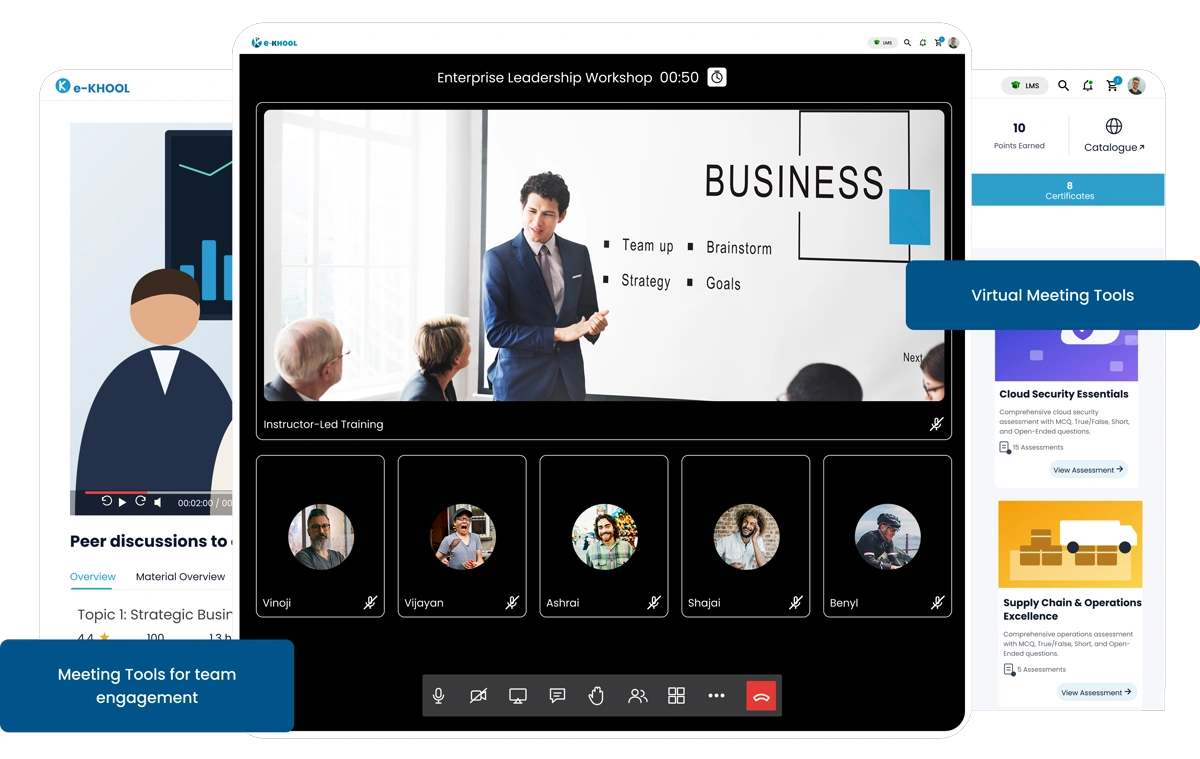
Breakout Rooms for Focused Discussions
Divide participants into smaller breakout rooms for focused group discussions, brainstorming, and problem-solving sessions, improving productivity during online meeting sessions.
Annotation Tools & Shared Whiteboards
Enhance collaboration with interactive annotation tools, shared whiteboards, and drawing features to visualize ideas, clarify points, and engage participants during virtual meetings.
Record Sessions for Training or Reference
Record all live meetings and conferences for future reference, onboarding, or training purposes, ensuring key discussions are captured and accessible for later review.
Attendance and Participation Tracking
Monitor attendance, engagement levels, and participant interaction metrics to evaluate meeting effectiveness and identify active contributors during virtual meetings.
Analyze Meeting Performance & Insights
How e-KHOOL Empowers Corporates with Online Meeting Tools
Monitor Engagement and Session Metrics
Track meeting duration, participant interaction, and engagement levels using built-in analytics, helping management optimize meeting structure, content delivery, and collaboration efficiency.
Generate Reports on Attendance & Feedback
Generate comprehensive reports on attendance, participation, and feedback to evaluate the effectiveness of meetings and virtual conferences, supporting informed corporate decision-making.
Secure Meetings with Encryption & Access Control
Ensure all online meetings and conferences are protected with encryption, password protection, and role-based access, maintaining corporate confidentiality and compliance standards.
Compliance with Corporate Policies & Regulations
Maintain alignment with organizational policies and regulatory standards, enabling secure, compliant, and professional virtual meetings for internal and external stakeholders.