e-KHOOL Management Console for Centralized Corporate Administration
Manage employees, departments, and workflows efficiently, ensuring seamless control, secure access, and smooth operations across the organization through e-KHOOL Administrator Console.
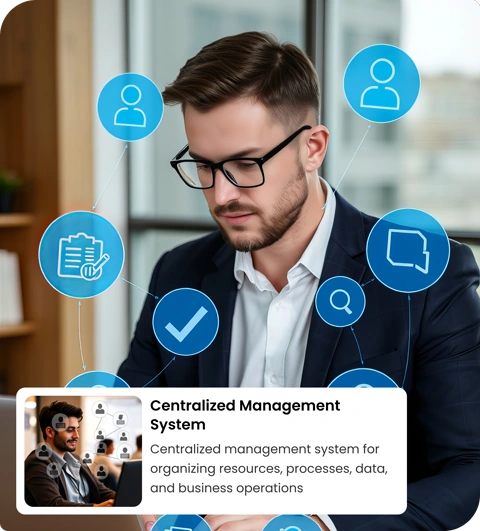
Unlock Operational Efficiency with Admin Panel Tools
The e-KHOOL Admin Interface provides centralized control, configurable workflows, role-based permissions, and analytics, streamlining corporate management while improving transparency, accountability, and operational efficiency across all teams.
Manage Employees and Roles Effectively
Create Employee Profiles and Accounts
Set up detailed employee profiles, accounts, and credentials using the Management Console, ensuring secure access, structured information, and accurate records for all corporate personnel.
Define Roles and Responsibilities
Establish clear roles, responsibilities, and reporting structures for each employee, aligning task ownership with corporate objectives and improving accountability across teams.
Assign Roles to Individual Employees
Allocate roles efficiently to individual employees, controlling access, permissions, and responsibilities for streamlined workflow management within the Admin Interface.
Manage Access Permissions by Role
Apply role-based access rules to systems, modules, and data, ensuring secure operations, compliance, and controlled visibility across the enterprise management console.
Organize Departments and Teams

Create and Manage Departments or Units
Establish corporate departments, units, or business divisions within the Admin Console to maintain structured hierarchies and streamline operational management for all teams.

Assign Employees to Specific Teams
Allocate employees to specific teams or departments, improving accountability, resource utilization, and coordination across projects and organizational functions.

Track Department Hierarchies and Reporting
Monitor organizational structure, reporting lines, and departmental relationships to ensure clarity, efficient communication, and smooth workflow management within the Business Suite Console.
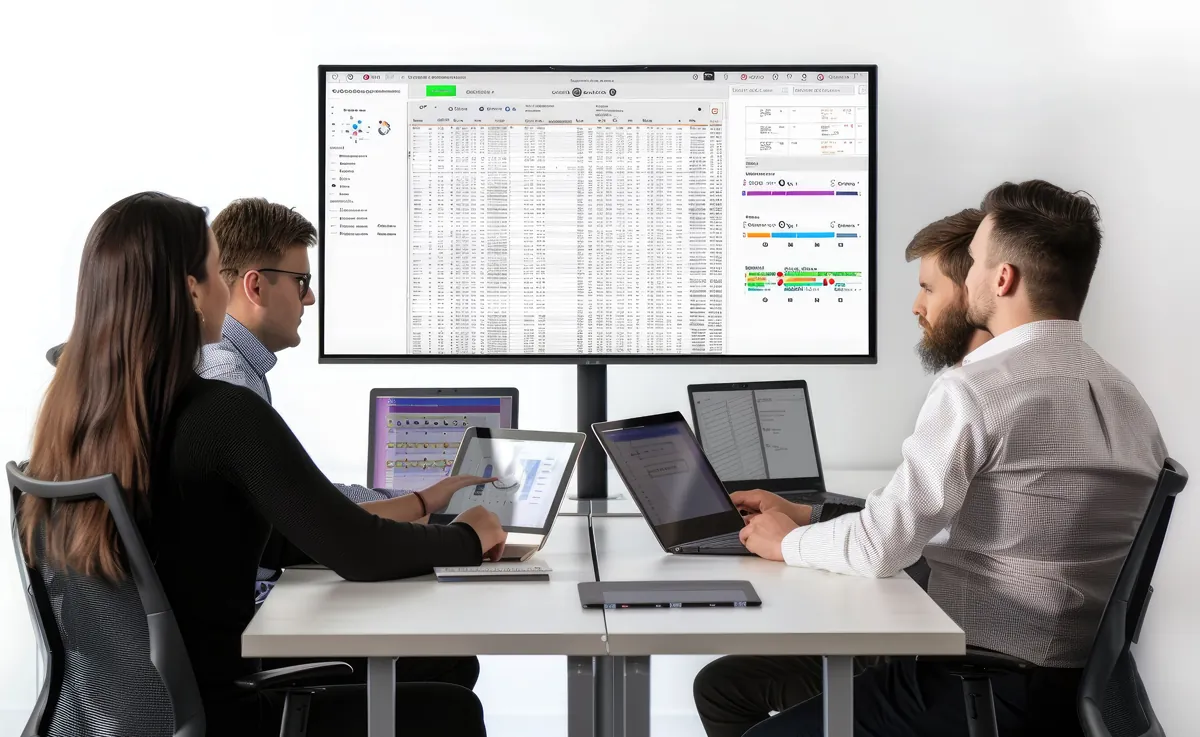
Monitor Team Workload and Structure
Track team activities, workloads, and responsibilities, ensuring balanced resource allocation and preventing bottlenecks in corporate operations.
Automate Workflows and Task Assignments
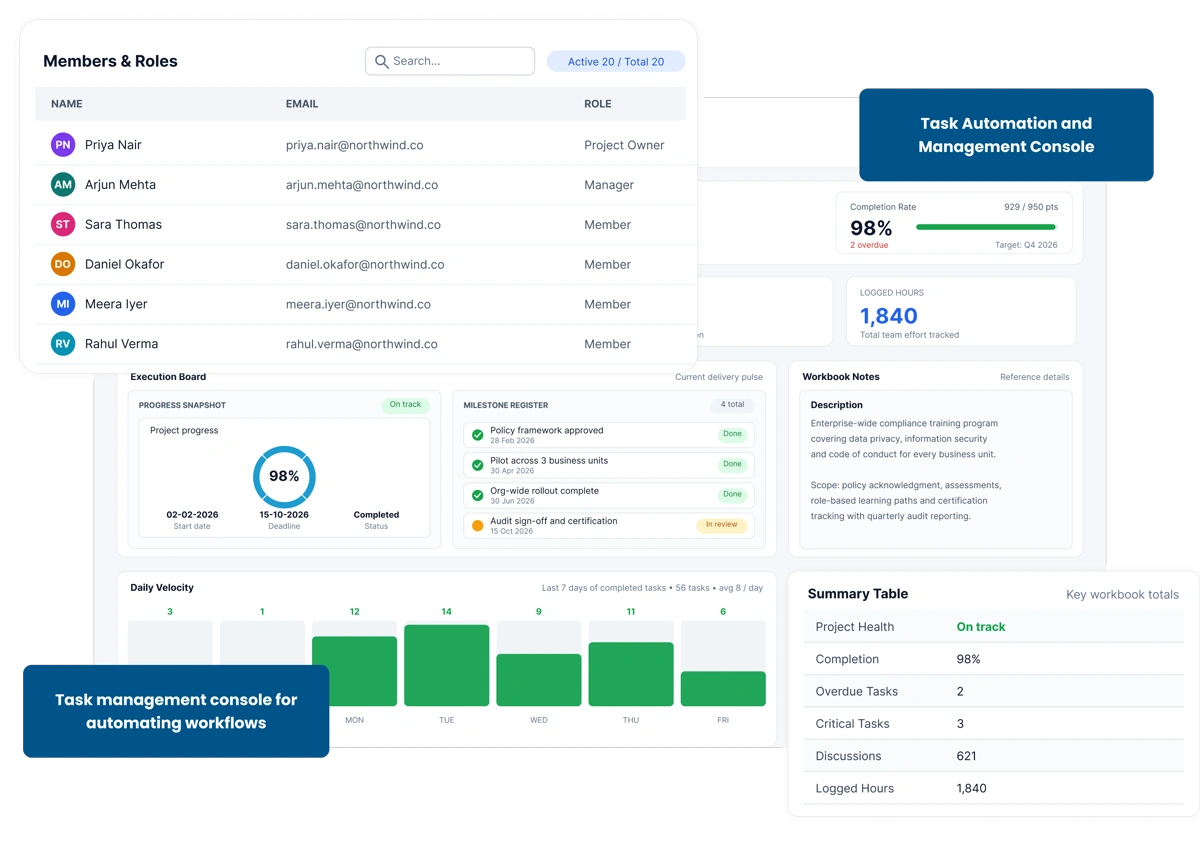
Define Automated Task Workflows
Create automated workflows for repetitive tasks and approvals within the Admin Console, ensuring efficiency, reduced manual errors, and consistent corporate processes.
Assign Tasks Based on Roles or Departments
Automatically assign tasks to employees or teams based on roles, department, or project, improving accountability and operational speed.
Track Workflow Progress in Real Time
Monitor task completion, workflow stages, and bottlenecks in real time, enabling managers to take corrective actions and optimize efficiency across departments.
Integrate Automation with Corporate Policies
Ensure that automated workflows comply with corporate guidelines, role-based permissions, and security policies, maintaining consistent and compliant operational processes.
Configure System Settings and Preferences
How e-KHOOL Empowers Corporates with Admin Console
Monitor Employee Activity and Performance
Track employee engagement, tasks, and role compliance using Management Console dashboards, enabling managers to optimize performance and improve organizational productivity.
Generate Reports on Roles and Teams
Produce actionable reports on employee roles, team structures, and departmental activity to support informed decision-making and strategic planning.
Track Department Resource Utilization
Analyze team and departmental resource allocation, identifying overutilized or underutilized resources to improve efficiency and project delivery.
Identify Gaps in Access or Assignments
Detect missing roles, unassigned responsibilities, or gaps in system access to maintain a secure, well-structured, and compliant corporate environment.